
65W USB C Laptop Charger Compatible with Lenovo ThinkPad T480 T490
4.5Editor score
Supports 65W and 45W output
Reinforced connector joint design
Advanced Power Delivery 3.0
This comprehensive guide compares the top Lenovo Thinkpad Charger options available in October 2026 to help you find the most reliable power solution for your
Finding a reliable power source is crucial for keeping your Lenovo ThinkPad running smoothly throughout the day. A quality charger ensures consistent performance and protects your investment from electrical hazards.
We analyzed ten highly rated adapters based on compatibility, build quality, and user feedback. Each option meets specific needs for different ThinkPad models and usage scenarios.
Every pick highlights key specifications and real-world performance insights. Prices fluctuate frequently, so verify current listings before purchasing to ensure you get the best value.
4.5Editor score

4.4Editor score

4.6Editor score
The following table provides a side-by-side comparison of all ten selected chargers to help you quickly identify the right fit for your specific ThinkPad model.
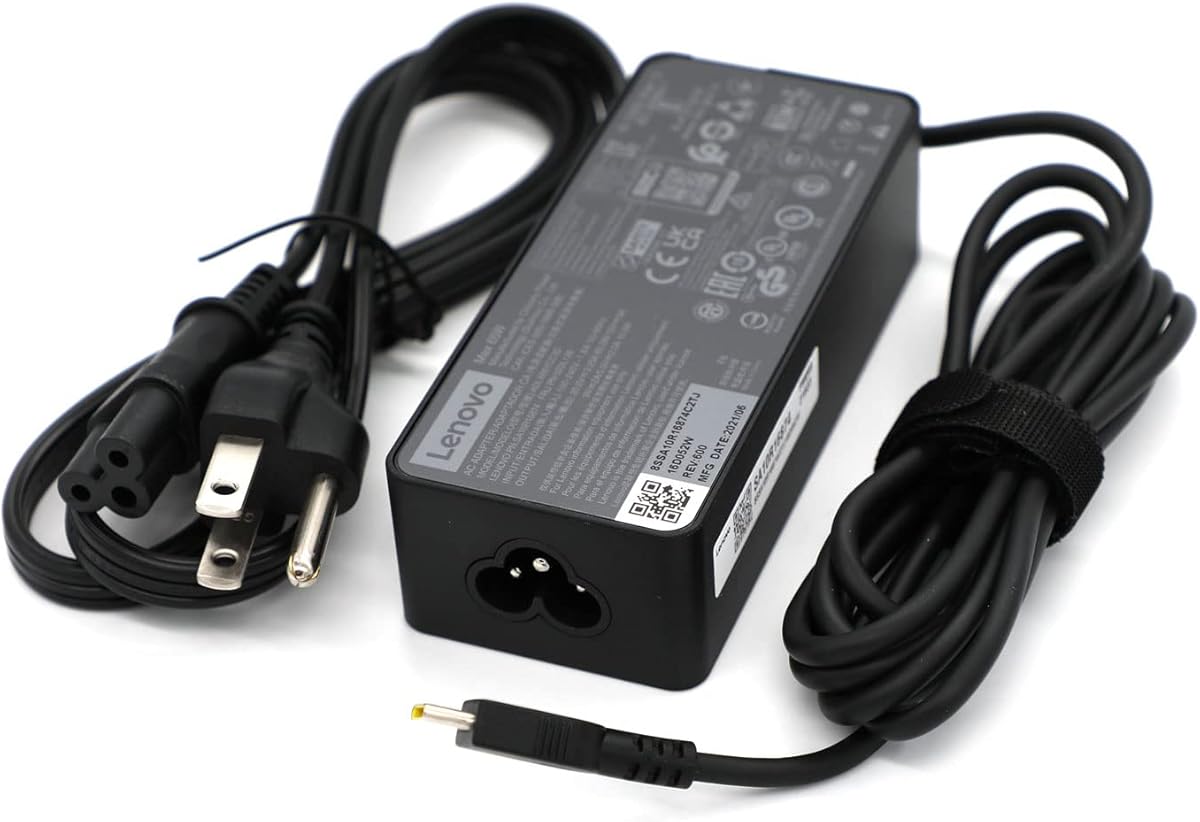


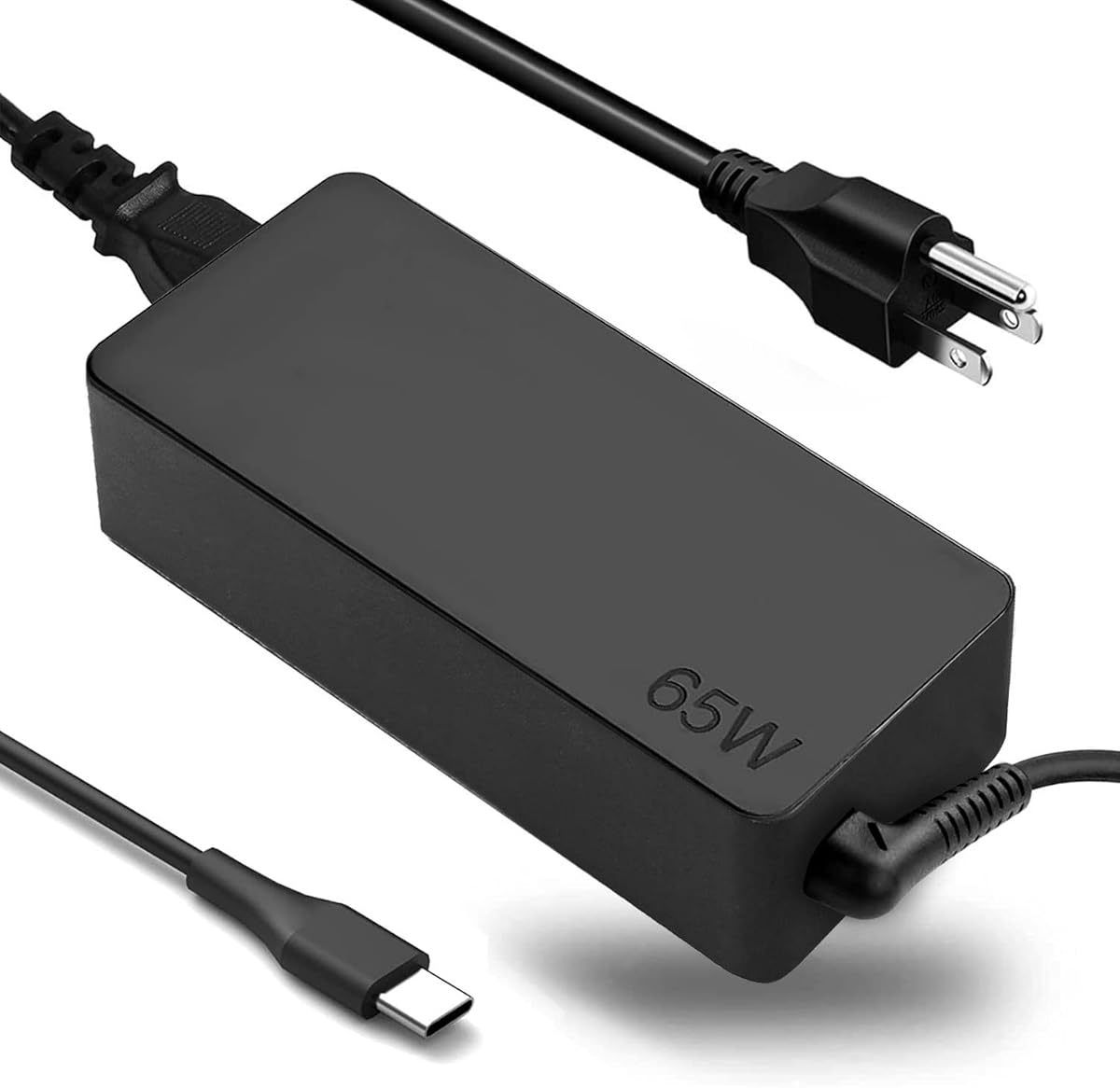
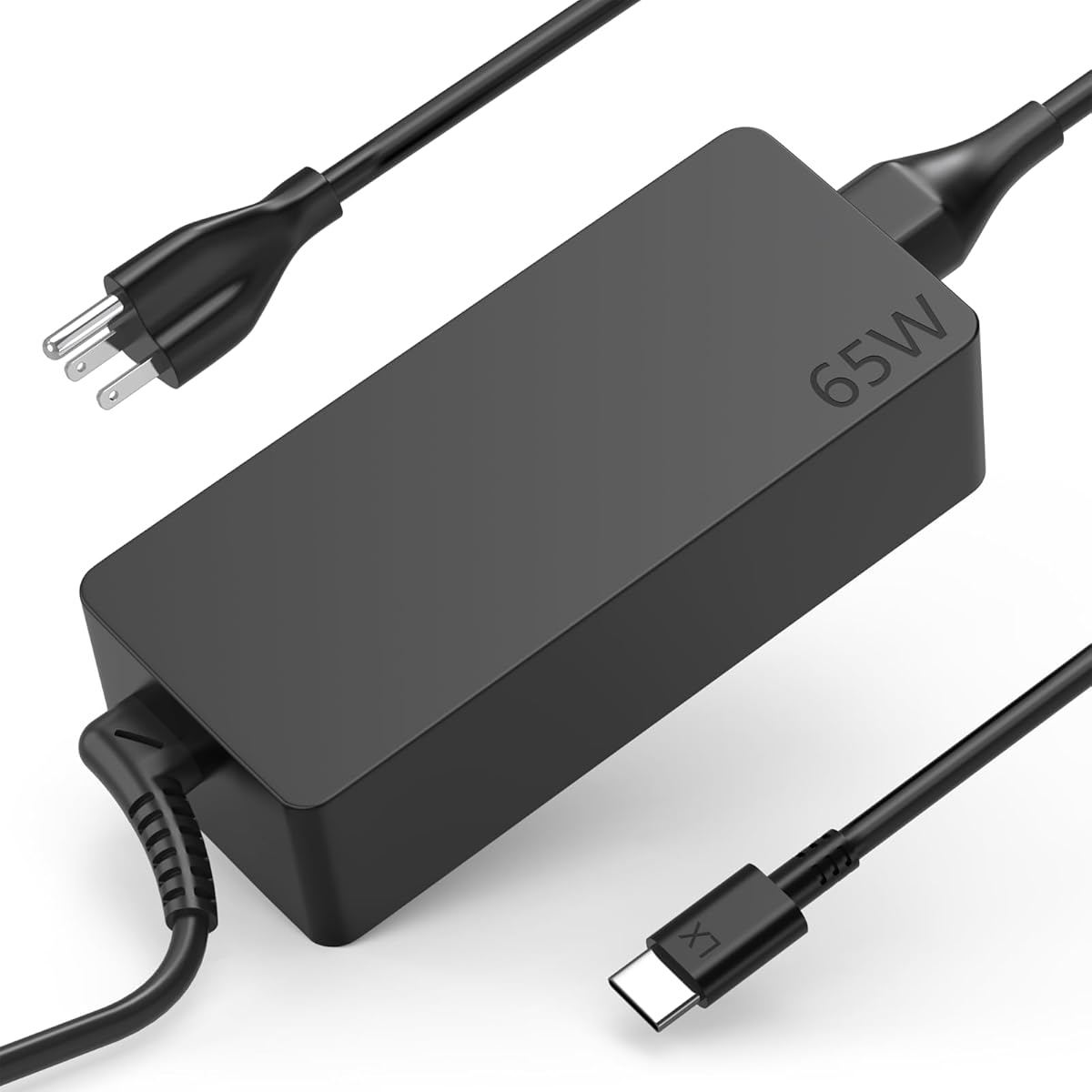


This adapter offers a versatile power solution for many ThinkPad models with strong compatibility across T and E series laptops. Users appreciate the ability to handle multiple voltage levels efficiently during daily tasks.
We may earn a commission when you buy through this link, at no additional cost to you.
The 65W output ensures sufficient power for most standard workloads including moderate multitasking and peripheral usage without compromising system performance or battery life significantly.
Some users note that while the charging speed is solid, the physical build quality varies compared to OEM options which might affect long term usage expectations for heavy travelers.
It remains an excellent choice for those needing a reliable secondary charger or replacement at a budget friendly price point without sacrificing essential performance standards for business use.
Works with T14, T15, X1 Carbon, and more for broad utility.
Adjusts power delivery automatically to match your device needs.
We may earn a commission when you buy through this link, at no additional cost to you.
This charger stands out for its reinforced connector and high ratings making it a top choice for those seeking durability on a budget. It supports a massive range of ThinkPad and Yoga models seamlessly.
We may earn a commission when you buy through this link, at no additional cost to you.
The intelligent circuit chip actively monitors temperature and current providing peace of mind against overheating or power surges during daily use. This makes it safe for overnight charging.
Users report solid build quality with over 50000 bend resistance on the connector joint which addresses common wear and tear issues found in cheaper alternatives on the market today.
It is an ideal pick for budget conscious buyers who refuse to compromise on safety or compatibility features. It balances cost and performance effectively for most average users.
Intelligent chip monitors temperature and current to prevent damage.
Connector tested to withstand over 50000 bends without fraying.
We may earn a commission when you buy through this link, at no additional cost to you.
This official Lenovo charger provides a slim portable design with an extra long cable making it ideal for hotel rooms or office desks. It supports rapid charging via PD 3.0 for quick energy boosts.
We may earn a commission when you buy through this link, at no additional cost to you.
The build quality is consistent with OEM standards ensuring stable power delivery without unnecessary bulk. Its light weight makes it easy to slip into any bag without adding strain.
While the price is higher than third party options the reliability and safety certifications justify the investment for professionals who depend on their devices daily without interruption or risk.
It is a perfect choice for users prioritizing brand trust and long term performance over initial savings. The extra cable length alone often justifies the cost for travelers.
Directly from Lenovo ensuring consistent quality and safety standards.
5.9 foot cable allows charging from distant power outlets easily.
We may earn a commission when you buy through this link, at no additional cost to you.
Designed specifically for ThinkPad users this adapter offers a compact form factor without sacrificing power delivery stability. The constant voltage supply ensures smooth functioning of your device while plugged in.
We may earn a commission when you buy through this link, at no additional cost to you.
Its slim profile makes it exceptionally easy to carry in slim laptop sleeves or pockets without taking up much space. It is a great companion for business travelers needing reliable power on the go.
Users appreciate the straightforward design that avoids unnecessary bulk or complex features. However the cable length might be insufficient for some users who need to plug into distant outlets in cafes.
This adapter is best suited for those who already own a ThinkPad and want a dedicated spare that mimics the original performance standards. It balances portability and reliability well.
Slim profile fits easily into small bags and pockets.
Constant voltage ensures smooth device operation without fluctuations.
We may earn a commission when you buy through this link, at no additional cost to you.
This charger offers an impressive range of compatibility covering many ThinkPad and Yoga models. It supports both 65W and 45W outputs making it versatile for different power requirements across devices.
We may earn a commission when you buy through this link, at no additional cost to you.
Comprehensive safety protections monitor temperature and voltage to safeguard your device from potential electrical issues. It delivers reliable power without overheating during standard usage sessions or charging cycles.
The package includes the adapter and necessary cables ensuring you have everything needed to start using it immediately. It is a practical choice for those needing a replacement without overspending on branding.
It is highly recommended for users with diverse hardware needs who want a single charger to cover multiple devices. The value proposition is strong given the extensive model support provided.
Supports ThinkPad X1, T14, Yoga, and Thinkbook series.
Built-in safeguards protect against overheating and overvoltage.
We may earn a commission when you buy through this link, at no additional cost to you.
This replacement is designed to directly match OEM part numbers ensuring a seamless transition for ThinkPad users seeking a new power source. It supports both 65W and 45W outputs for flexibility.
We may earn a commission when you buy through this link, at no additional cost to you.
Users report that it charges their laptops quickly without issues. The Type-C connector aligns well with most modern ThinkPad ports offering a secure connection during use on various surfaces.
While the build feels average compared to premium options it serves its purpose effectively for daily needs. The included power cord is sufficient for standard desk setups at home or office.
It is a practical choice for those who need a straightforward swap for a lost or broken charger. The affordability makes it an attractive option for budget focused buyers.
Designed to replace specific OEM models like ADLX65YDC2A.
Delivers power quickly to reduce downtime between meetings.
We may earn a commission when you buy through this link, at no additional cost to you.
This charger is tailored for universal compatibility with Lenovo devices making it a solid option for IT departments needing bulk replacements. It handles both 65W and 45W requirements efficiently without issues.
We may earn a commission when you buy through this link, at no additional cost to you.
The setup process is simple requiring no special drivers or configuration. Users can plug it in and start charging immediately which is perfect for busy work environments where downtime must be minimal.
While it lacks fancy features its core function of providing reliable power is executed well. The simple design ensures no unnecessary complications or extra parts that might break during transport.
It is an excellent choice for office managers or home offices where basic reliable charging is the primary goal. The price point allows keeping several spares on hand easily.
Works with all Lenovo laptops requiring a 65W USB-C charger.
Delivers power efficiently to keep your laptop ready.
We may earn a commission when you buy through this link, at no additional cost to you.
This charger distinguishes itself by supporting a wide range of brands including HP and various Chromebooks alongside ThinkPads. This makes it a versatile pick for households with multiple device types.
We may earn a commission when you buy through this link, at no additional cost to you.
It operates on global input voltages which is useful for travelers who need a single charger to work anywhere in the world. The 65W output is sufficient for most standard laptops.
While the specification list is extensive it can be overwhelming for some users seeking a simple solution. However the core performance remains consistent and reliable across supported devices daily.
It is a great pick for families or small offices where different people use different brands. Keeping one charger that can handle multiple devices simplifies power management significantly.
Compatible with Lenovo HP and various Chromebook models.
Works with 100-240V input for international travel use.
We may earn a commission when you buy through this link, at no additional cost to you.
This high power adapter delivers up to 135W ensuring your high performance ThinkPad systems run smoothly without battery throttling. It is designed for demanding users who need maximum processing power.
We may earn a commission when you buy through this link, at no additional cost to you.
The USB-C interface provides a quick and worry free charging experience. Built with official OEM standards it offers reliable performance over years of heavy use in professional environments.
While it is larger and pricier than standard 65W chargers it is necessary for workstation grade laptops that require extra wattage. It ensures you never face power bottlenecks.
It is an ideal choice for creative professionals or engineers using high end ThinkPad models. The investment pays off in consistent performance and extended battery life for tasks.
Delivers up to 135W to prevent performance throttling.
Official Lenovo product ensuring top durability and standards.
We may earn a commission when you buy through this link, at no additional cost to you.
Designed for gaming and high performance needs this adapter provides 135W power to support demanding workloads without power issues. It is a top choice for Legion users needing stable output.
We may earn a commission when you buy through this link, at no additional cost to you.
The slim tip design ensures compatibility with specific gaming models. It delivers consistent power even during intense rendering or gaming sessions which prevents unexpected shutdowns or slow performance.
As an official OEM product it guarantees long term reliability. While the price is higher it is worth it for maintaining peak performance of gaming laptops during extended usage periods.
It is the best option for gamers or content creators using Lenovo high end laptops. Ensuring your machine gets enough power is critical for a smooth experience.
135W output supports high performance gaming tasks.
Built to original specifications for guaranteed compatibility.
We may earn a commission when you buy through this link, at no additional cost to you.
Selecting the right charger requires considering output power compatibility build quality and safety features to ensure your device performs optimally without risking damage.
ThinkPad models range from 45W to 135W requirements. Using a charger with insufficient wattage may cause slow charging or power throttling while using a higher wattage charger is generally safe as the laptop draws only what it needs.
Check your current adapter specs or manual to match the wattage exactly for best results.
Most modern ThinkPads use USB-C ports while older models may rely on proprietary barrel connectors. Ensure the charger matches your device port type to avoid connection issues or the need for adapters.
USB-C is the standard for most current models so prioritize USB-C options if your device supports it.
A well built charger withstands daily wear and tear without fraying or connector failure. Look for reinforced joints and high grade materials that ensure longevity over years of travel or office use.
Premium models often feature reinforced joints to prevent cable failure over time.
Safety is non-negotiable. Look for certifications like UL or CE and features such as over-voltage and over-current protection to safeguard your laptop from electrical surges or overheating risks.
Always choose chargers with built-in safety features to protect your investment.
A longer cable offers more flexibility to plug into wall outlets from your desk. Aim for at least 5 to 6 feet to avoid needing extension cords or being tethered to a wall socket.
Longer cables provide better flexibility for desk setups or travel.
OEM chargers from Lenovo are safest but third-party alternatives can offer better value. Research reviews and ratings to ensure the brand has a track record of reliability and quality control before buying.
Research user reviews to ensure the brand has a proven quality track record.
Prices vary significantly from budget options to premium OEM models. Balance cost with your needs knowing that extremely cheap chargers may lack safety features or durability over time.
Balance cost with reliability to avoid frequent replacements down the line.
If you travel often choose a slim and lightweight adapter that fits easily into bags. Heavy or bulky chargers can add unnecessary weight and take up space in your daily carry.
Prioritize slim and lightweight designs if you need to travel frequently.
Always plug the power cord into the charger before connecting it to a wall outlet to avoid sparking or electrical arcing. Ensure the connection to your laptop is snug and secure before using your device.
Store your charger in a cool dry place away from direct sunlight or liquids. Avoid wrapping the cable tightly around the charger head to prevent internal wire breakage over time.
Regularly inspect the cable and connector for signs of fraying or damage. If you notice any wear and replace the charger immediately to prevent electrical hazards or potential damage to your laptop.
Yes you can safely use a higher wattage charger like 135W for a 65W laptop. The device will only draw the power it needs so there is no risk of damage. It ensures your system runs smoothly even during heavy load tasks without throttling.
Slow charging often indicates a charger with insufficient wattage or a damaged cable. Ensure your charger matches your laptop requirements exactly. Also check if the port is dirty or if the laptop is being used heavily while charging.
Most modern ThinkPads from the last five years use USB-C but older models may still use proprietary barrel connectors. Always check your laptop manual or current adapter before purchasing a new charger to ensure physical compatibility.
OEM chargers carry the Lenovo logo and have model numbers matching official part lists. Third-party alternatives often list compatibility ranges explicitly. Look for certification marks and consistent packaging quality when verifying authenticity.
Yes it is safe for modern laptops with smart charging technology. However to extend battery lifespan consider using software power limit settings. Always use a certified charger to prevent overheating during extended sessions.
Some heat during charging is normal but excessive heat is not. Ensure the vents are not blocked and use the charger in a cool environment. If it remains too hot to touch replace it immediately to prevent safety risks.
You can use any charger that matches your laptop wattage and port type. Ensure it has safety certifications to protect against electrical issues. Always prioritize quality over price when selecting alternatives.
We have reviewed ten top chargers covering everything from budget friendly options to high performance OEM models. Each pick offers unique benefits tailored to different needs and usage scenarios.
Prioritize safety and wattage compatibility first. Choose a charger that matches your laptop needs exactly for best results and long term device health.
Remember that prices change frequently so verify current listings and availability before buying. A reliable charger protects your device and ensures uninterrupted work.