
Seagate 8TB BarraCuda Internal Hard Drive
4.7Editor score
High capacity at low cost
Fast sustained transfer rates
Proven reliability for desktops
Choosing the right storage is critical for any home media server. Jellyfin requires drives that handle constant reads and writes without slowing down your streaming experience. We looked at the best options available today.
Our team analyzed performance metrics, reliability ratings, and specific features for NAS environments. We considered capacity needs for large media libraries and how drives handle multitasking during peak usage times.
Each pick highlights specific strengths for different use cases. From budget-friendly options to enterprise-grade reliability, you will find a match. Please note that pricing and availability change frequently.
4.7Editor score

4.5Editor score
4.2Editor score
As an Amazon Associate we earn from qualifying purchases.
This side-by-side comparison highlights key specifications for each drive to help you decide which one fits your Jellyfin server needs best.


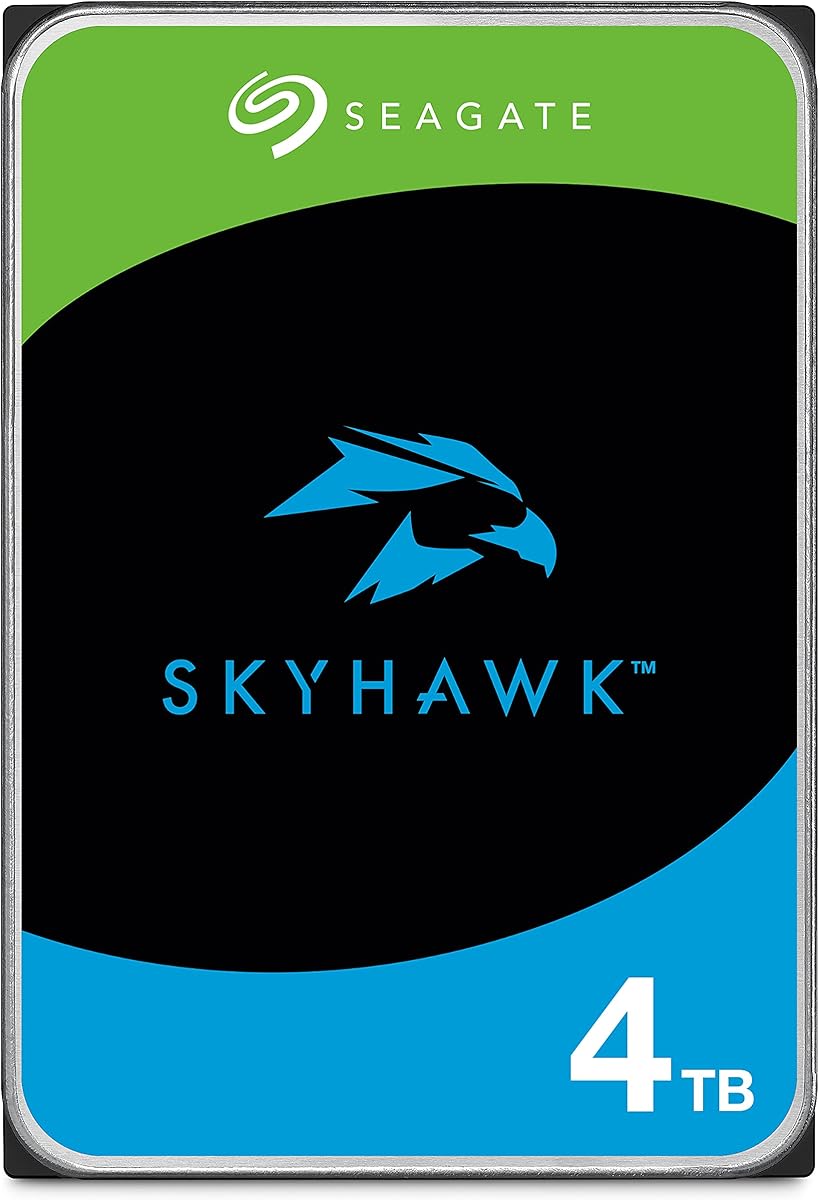


This Seagate IronWolf drive is rated highly for media server use. It offers 4TB of storage in a compact internal form factor. The NAS optimization ensures smooth streaming performance.
We may earn a commission when you buy through this link, at no additional cost to you.
IronWolf drives are built for multi-user environments. They handle the constant read and write operations typical of a Jellyfin server. The CMR technology ensures consistent performance.
While the price is higher than standard drives, the reliability pays off. The included rescue services provide peace of mind for valuable media data. It is worth the investment.
Buy this if you want a reliable drive for a dedicated media server. It balances capacity and performance well for home users. It is a top choice for stability.
Designed specifically for network attached storage systems.
Includes rescue services to recover lost data if needed.
We may earn a commission when you buy through this link, at no additional cost to you.
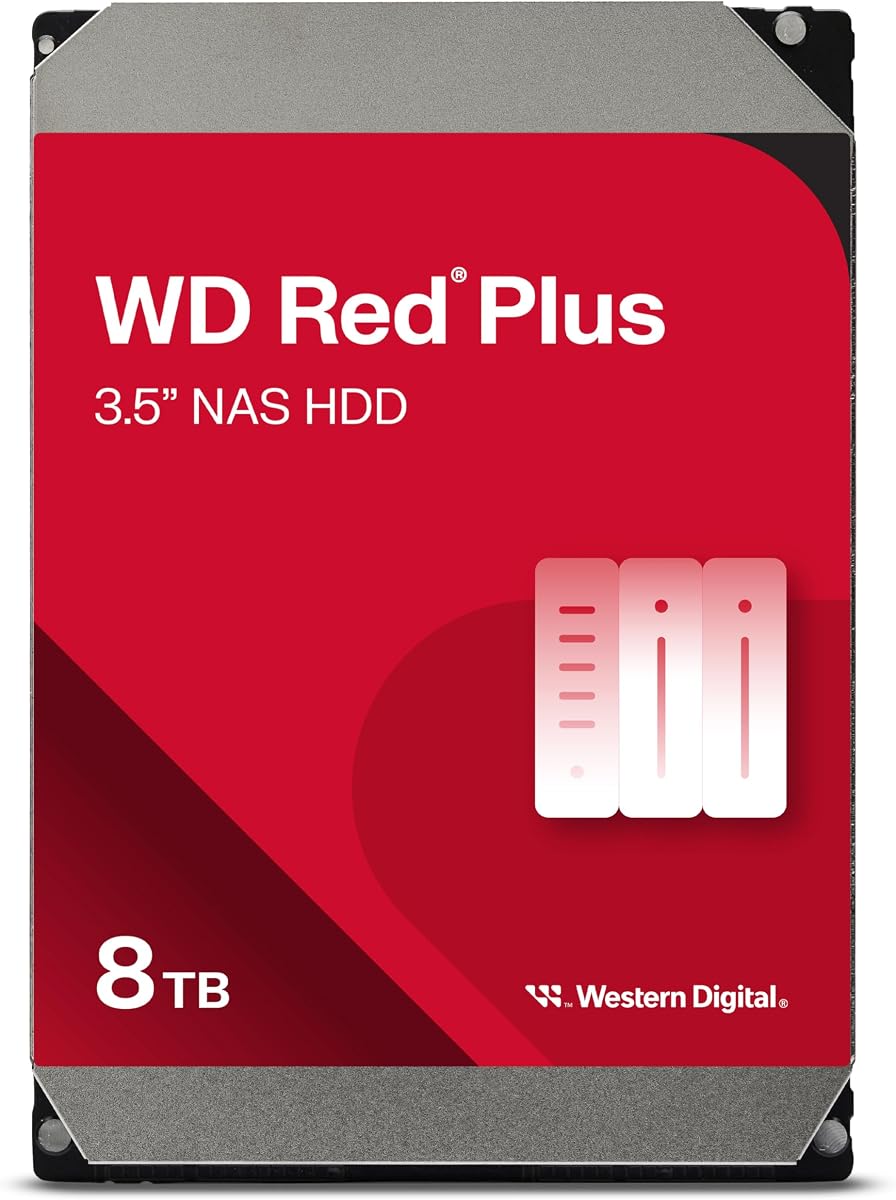
The WD Red Plus offers massive storage for large media libraries. It is built to last in a NAS environment. The 8TB capacity handles thousands of files.
We may earn a commission when you buy through this link, at no additional cost to you.
CMR technology ensures that data writing is consistent. This is crucial for avoiding lag when multiple users stream simultaneously. The firmware is optimized for NAS systems.
It is a premium option with a higher cost. However, the capacity and reliability justify the expense. It is best for users who need bulk storage.
Choose this for a robust Jellyfin server. It provides the space needed for high-quality media files. The performance is stable under load.
Provides ample room for extensive media collections.
CMR technology ensures data is written reliably.
We may earn a commission when you buy through this link, at no additional cost to you.
The BarraCuda drive offers huge capacity at a lower price. It is a standard internal drive suitable for desktop use. The speed is sufficient for media streaming.
We may earn a commission when you buy through this link, at no additional cost to you.
With 8TB of space, you can store many movies and shows. The sustained transfer rate ensures smooth playback. It is a great value for budget-conscious users.
It lacks some NAS-specific features found in premium drives. However, for a single drive setup it works well. The price makes it accessible for everyone.
Buy this for an affordable start to your server. It provides plenty of room for media files. It is a solid choice for basic needs.
Great value for high capacity internal storage.
High transfer rates support quick file access.
We may earn a commission when you buy through this link, at no additional cost to you.
This external drive is easy to connect to any computer. It uses USB-C for fast data transfer. The bus powered design saves an outlet.
We may earn a commission when you buy through this link, at no additional cost to you.
It is useful for adding storage to a server quickly. The rescue services offer extra protection for your media. It is great for backups.
Internal drives are faster for constant streaming. This external option is best for backup storage. It is not meant for primary media storage.
Use this to expand storage without opening your PC. It is ideal for backups. It is a convenient solution for extra space.
Connects via USB-C for quick setup.
Includes rescue services for data recovery.
We may earn a commission when you buy through this link, at no additional cost to you.
This drive is tiny but holds a decent amount of data. It is designed for laptops and small enclosures. The 1TB capacity is enough for smaller media sets.
We may earn a commission when you buy through this link, at no additional cost to you.
It is perfect for portable server builds. The thin design saves space in tight spots. It uses less power than larger drives.
For a large home server this is too small. It is better for specific use cases like portable streaming. The size is the main feature.
Choose this if space is tight in your server case. It is a great portable drive for small needs. It fits where others cannot.
Fits in 2.5 inch slots easily.
Consumes less power than standard drives.
We may earn a commission when you buy through this link, at no additional cost to you.
The 6TB version of the IronWolf series offers great space. It is built for NAS systems with high reliability. The performance is smooth for streaming.
We may earn a commission when you buy through this link, at no additional cost to you.
It handles multiple streams without lag. The noise levels are low for home setups. The 256MB cache helps with data access.
It is a premium option for larger libraries. The price is higher but justified by performance. It is not for small storage needs.
Select this for a serious media server setup. It provides the space needed for extensive collections. The reliability ensures long-term use.
Stores thousands of high-quality media files.
Designed for low noise in living rooms.
We may earn a commission when you buy through this link, at no additional cost to you.
This drive offers an enormous 12TB of storage. It uses a faster spindle for quick data access. It is a top choice for large data needs.
We may earn a commission when you buy through this link, at no additional cost to you.
It can hold a massive media library. The cache helps with performance. It is a good desktop choice for storage.
It runs hotter and costs more. For most users the capacity is enough. It is not for budget builds.
Buy this if you need maximum capacity now. It saves on multiple drives later. It is great for power users.
Provides huge storage in a single drive.
High RPM helps with quick data retrieval.
We may earn a commission when you buy through this link, at no additional cost to you.
The Skyhawk drive is built for video workloads. It handles constant write operations efficiently. It works well for media streaming too.
We may earn a commission when you buy through this link, at no additional cost to you.
It is designed for 24×7 operation. The sensors help in multi-bay systems. It offers peace of mind for health monitoring.
It is a specialized drive but versatile. The price is higher than standard options. It is great for reliability focused users.
Use this for a robust server build. It ensures your media files are protected. It is a solid choice for stability.
Designed for high-speed video recording.
Includes features to track drive health.
We may earn a commission when you buy through this link, at no additional cost to you.
This drive is engineered for write-intensive tasks. It handles many simultaneous streams well. It is built for high reliability.
We may earn a commission when you buy through this link, at no additional cost to you.
It supports AI features for better recording. The workload rate is high for continuous use. It is a premium surveillance drive.
It is expensive but reliable. Best for critical systems that need uptime. Not for every home build.
Choose this if reliability is the top priority. It handles heavy workloads well. It is an investment in quality.
Designed for constant data writing.
Supports advanced AI technology for recording.
We may earn a commission when you buy through this link, at no additional cost to you.
This drive offers solid performance at a good price. It is built for high usage scenarios. The firmware optimizes video handling.
We may earn a commission when you buy through this link, at no additional cost to you.
It works well for media servers too. The sensors help in multi-drive setups. It is a great alternative to NAS drives.
It is focused on surveillance but versatile. The cost is competitive for the capacity. It is a smart buy for value.
Pick this for a cost effective setup. It provides good reliability. It is a smart alternative for home use.
Great performance for a lower price.
Sensors protect drive in multi-bay setups.
We may earn a commission when you buy through this link, at no additional cost to you.
Choosing the right drive requires balancing capacity, speed, and reliability. These factors determine how well your media server performs.
Your storage needs depend on your media collection size. If you have many high-resolution files you will need at least 4TB. For large libraries consider 8TB or more.
Plan for future growth so you do not need to upgrade too soon. Always leave extra space for system operations.
NAS drives are optimized for constant operation. Desktop drives work for single-drive setups. Surveillance drives handle constant writes well but are expensive.
Choose a NAS drive for long-term reliability. Desktop drives save money but may not last as long in server environments.
Higher RPM means faster data access. 7200 RPM drives are faster but run hotter. 5400 RPM drives are quieter and cooler.
Balance speed with power consumption and noise. For media streaming 5400 RPM is usually sufficient.
Larger cache helps with buffering and data access. 256MB cache is better than 64MB. It smooths out playback for multiple streams.
Look for drives with higher cache sizes for better performance. This helps with quick file access.
Workload rate is how much data a drive handles. NAS drives support up to 180TB a year. Higher workload rates prevent drive failure.
Select drives with higher workload ratings for server use. This ensures longevity under constant use.
Some drives are designed to reduce vibration. This is important for multi-bay setups. It protects other drives from vibration.
If you keep your server in a living room choose a quiet drive. Look for features that reduce noise.
NAS drives cost more than desktop drives. Consider the total cost including power. A cheaper drive may fail sooner.
Invest in quality for reliability. You save money by avoiding data loss and drive replacements.
SATA is standard for internal drives. Ensure your server supports SATA 6Gb/s. External drives use USB for easy connection.
Check your server ports before buying. Internal drives are faster than external ones.
Install the drive securely in your server case. Make sure all cables are tight. This prevents vibration that can cause damage. Proper mounting reduces noise.
Format the drive with your operating system. Use a file system compatible with your server. This ensures data integrity. Proper formatting avoids errors during playback.
Monitor drive health regularly using software tools. Set up alerts for drive issues. This helps you catch problems early. Regular checks prevent data loss.
The Seagate IronWolf 4TB is rated top for reliability and performance. It handles constant streaming well. This makes it ideal for home servers.
For most users 4TB is a good start. It holds thousands of high-quality files. Consider 8TB if you have a large library.
Yes but it may wear out faster with constant use. NAS drives are better designed for servers. Desktop drives work for small home setups.
They are built for 24/7 operation. They have better warranties and features. The extra cost ensures reliability.
Yes for important media data. A backup protects you from drive failure. External drives are good for backups.
Higher RPM helps with data access. 5400 RPM is usually enough. 7200 RPM is faster but runs hotter.
We recommend the Seagate IronWolf 4TB for most users. It balances capacity and reliability perfectly. For larger needs the WD Red Plus 8TB is a great choice.
Prioritize reliability over price to save trouble later. NAS drives offer the best long-term value for servers. Consider your storage needs when making a choice.
Check current prices before buying. Deals change often so compare options carefully. This ensures you get the best value for your money.