
ASUS ROG Strix H270F Gaming
4.2Editor score
AURA Sync RGB lighting
SupremeFX audio
FanXpert 4 cooling
This guide compares ten top H270 motherboards for performance, connectivity, and value to help you choose the right board for your Intel system upgrade.
Choosing the right H270 motherboard is crucial for building a reliable Intel-based system. These boards support 6th and 7th gen processors and offer solid connectivity options for everyday computing tasks.
We analyzed ten real products based on their features, user ratings, and compatibility. This list covers everything from budget-friendly options to premium models with advanced audio and lighting.
Each pick highlights key specs and strengths so you can find the best fit. Keep in mind that availability and pricing may change over time as the market evolves.
4.2Editor score

4.4Editor score

4.0Editor score
The following table offers a side-by-side look at the key specifications and features of each H270 motherboard to help you compare options quickly.




This ASUS Prime H270-PLUS is a top choice for users seeking reliability and strong feature support. It holds a solid user rating and includes dual M.2 slots for fast storage.
We may earn a commission when you buy through this link, at no additional cost to you.
The board features 5X Protection III hardware safeguards that protect against dust and electrical surges. It also supports Intel Optane Memory which can speed up older hard drives significantly.
While it lacks RGB lighting common in gaming boards, the Safe Slot Core prevents PCIe damage from heavy GPUs. The 3D-printing mounts let you customize the build look easily.
This board suits anyone building a stable home or office PC. It balances price and performance well for most standard Intel processor upgrades.
The 5X Protection III ensures the board lasts longer even in dusty or electrically noisy environments.
Dual M.2 slots allow for multiple high-speed drives without needing adapters or extra cables.
We may earn a commission when you buy through this link, at no additional cost to you.
The ASUS ROG Strix H270F Gaming brings premium features to a mainstream H270 chipset. It stands out with exclusive audio and lighting customization for gamers.
We may earn a commission when you buy through this link, at no additional cost to you.
It includes SupremeFX audio driven by high-quality capacitors for clear sound. The AURA Sync system lets you match lighting across compatible components easily.
FanXpert 4 provides dynamic fan calibration to keep noise low while cooling high load tasks. The Safe Slot design protects heavy graphics cards from bending or damage.
Gaming enthusiasts will appreciate the extra polish and connectivity. It offers a premium feel without needing a higher-tier chipset.
The 8-channel HD audio with Japanese capacitors delivers rich sound for media and games.
RGB headers and a 3D-printing mount allow deep personalization of your system look.
We may earn a commission when you buy through this link, at no additional cost to you.
The MSI H270 Gaming PRO Carbon offers a strong feature set at a lower cost. It brings gaming oriented protections like Steel Armor and LAN protect to budget builders.
We may earn a commission when you buy through this link, at no additional cost to you.
It supports DDR4 boost to stabilize memory performance during tasks. The Mystic Light sync allows you to join RGB lighting effects with other components in your case.
LAN protect shields your network connection from electrostatic damage. The board supports Crossfire for multi GPU setups which adds value for gamers.
This board is great for builders who need performance without paying for extras. It covers the essentials well for entry level systems.
Steel Armor slots keep DDR4 sticks secure and improve signal quality for better speeds.
LAN protect ensures stable internet even in environments with static risks.
We may earn a commission when you buy through this link, at no additional cost to you.
The ASRock H270 PRO4 is a straightforward board for standard storage needs. It offers six SATA3 ports plus an M.2 slot for flexibility.
We may earn a commission when you buy through this link, at no additional cost to you.
It supports 6th generation Intel Core processors with stable DDR4 memory. The Ultra M.2 slot supports both PCIe and SATA M.2 devices.
There are plenty of SATA connectors for those with many drives. The design is basic but functional for everyday computing tasks.
This board suits users who prioritize storage capacity over gaming features. It is a reliable choice for home storage setups.
Six SATA3 ports plus M.2 allow for large arrays of drives without extra controllers.
Socket 1151 ensures compatibility with both 6th and 7th gen Intel chips.
We may earn a commission when you buy through this link, at no additional cost to you.
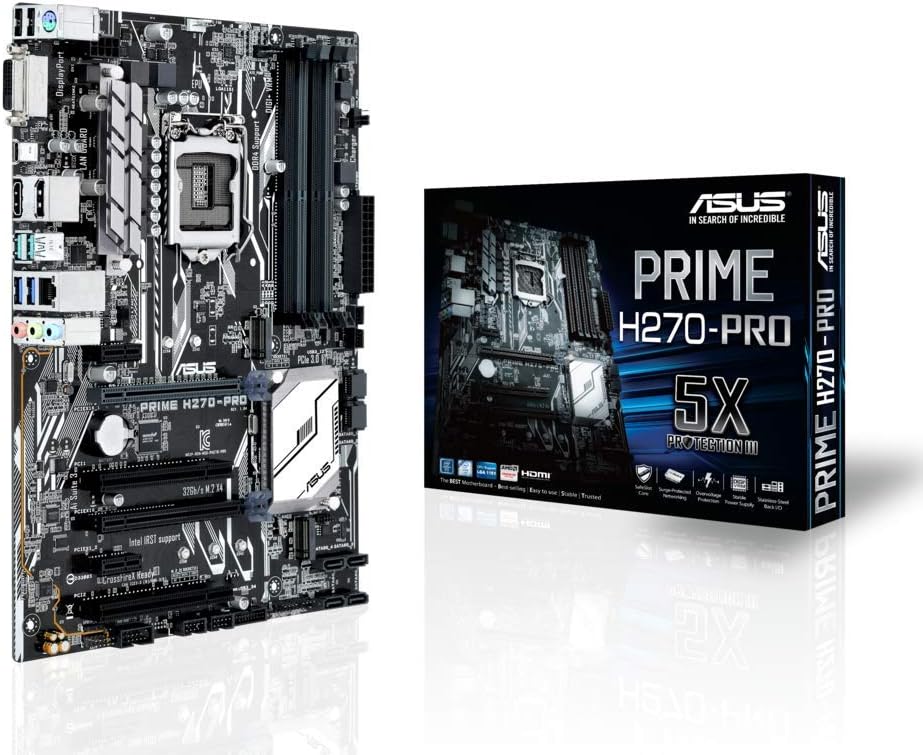
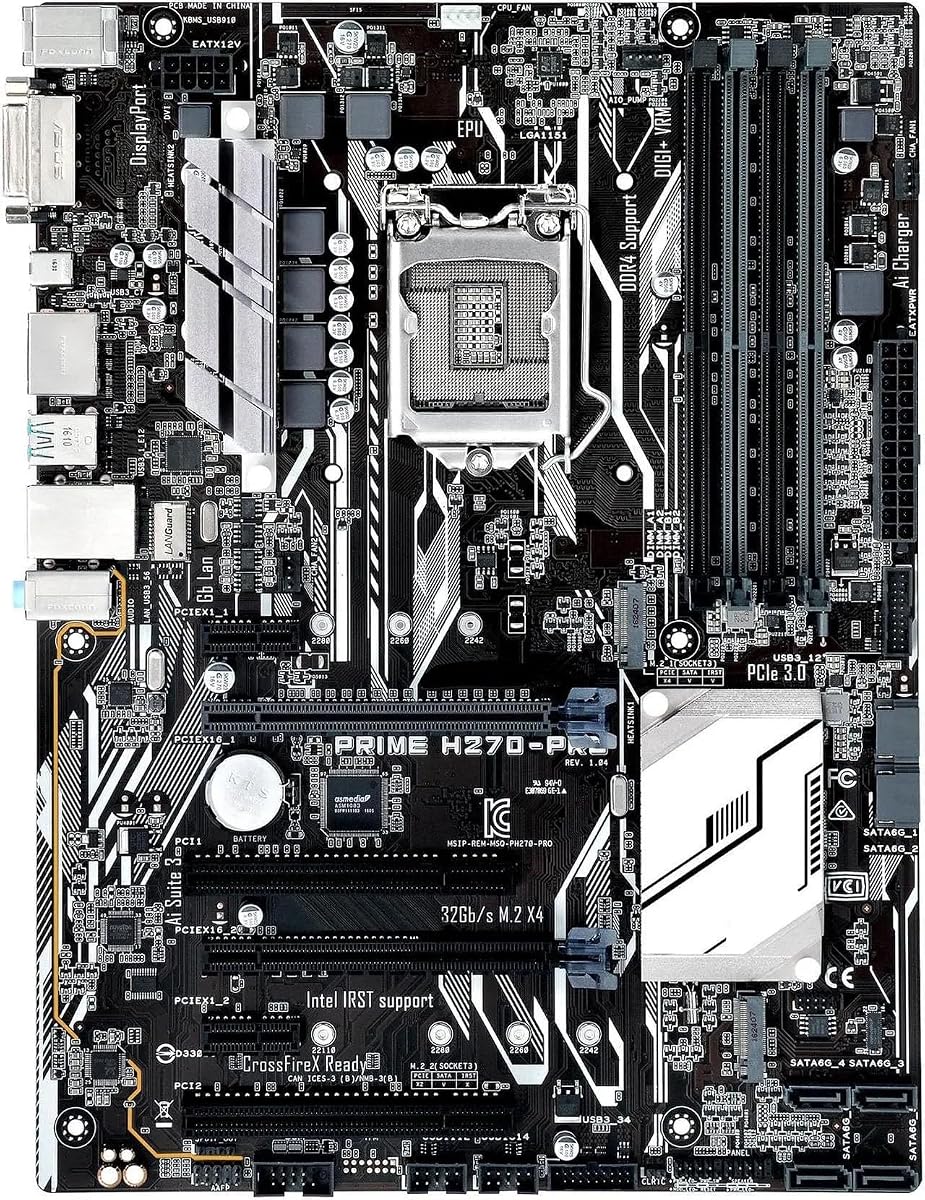
The Asus Prime H270-PRO delivers strong connectivity with USB Type-C support. It supports up to 64GB of DDR4 memory for heavier tasks.
We may earn a commission when you buy through this link, at no additional cost to you.
It features 5X Protection III for hardware safety against electrical surges and dust. The ATX layout provides good space for components and cooling.
Video outputs include HDMI DVI and DisplayPort for flexible display setups. The USB 3.1 Type-C adds modern connection options for peripherals.
This board fits users needing robust connectivity and memory headroom. It is reliable for workstations or media centers.
USB 3.1 Type-C allows fast data transfer with reversible plugs.
Up to 64GB DDR4 support handles multitasking and virtual machines well.
We may earn a commission when you buy through this link, at no additional cost to you.
The GIGABYTE GA-H270-Gaming 3 targets gamers with specific network and GPU features. It includes Killer E2500 LAN for optimized traffic management.
We may earn a commission when you buy through this link, at no additional cost to you.
It supports 2-Way Crossfire to allow multiple GPUs for increased graphics performance. The board has four DIMM slots for memory expansion.
USB 3.1 Type-C is present for fast data transfers. The ATX form factor offers space for robust cooling solutions.
This board suits users who want crossfire capabilities without a Z-series board. It offers solid gaming features at a mid range level.
Killer E2500 prioritizes game data for smoother online play.
Crossfire support enables multi GPU setups for better visuals.
We may earn a commission when you buy through this link, at no additional cost to you.
This board is designed as a replacement component for damaged units. It addresses issues caused by poor contact or static electricity.
We may earn a commission when you buy through this link, at no additional cost to you.
It features an optimized power design to support multi-core processors. The advanced heatsink improves thermal management during heavy tasks.
Users can expect stable performance similar to the original component. The build aims for quality assurance and uninterrupted computing.
This is a practical choice for repair or replacement needs. It helps restore functionality without buying a full system.
Resolves contact and short circuit issues to restore normal system operation.
The heatsink design increases heat dissipation area under heavy loads.
We may earn a commission when you buy through this link, at no additional cost to you.
This motherboard supports common Intel CPUs and provides high memory capacity. It includes M.2 support for modern storage drives.
We may earn a commission when you buy through this link, at no additional cost to you.
It fits standard ATX cases and supports DDR4 up to 64GB. The LGA 1151 socket covers 6th and 7th gen chips.
The board offers a functional platform for general upgrades. It aims for performance with core features present.
This option works for users needing basic capabilities at a low price. It covers essential requirements for standard systems.
Supports a range of i3 and i5 models for flexible CPU choices.
M.2 support allows for fast NVMe or SATA storage integration.
We may earn a commission when you buy through this link, at no additional cost to you.
This motherboard supports high memory capacity on a standard layout. It uses the H270 chipset for basic system functions.
We may earn a commission when you buy through this link, at no additional cost to you.
The LGA 1151 socket allows for multiple CPU options. It targets users who need a simple upgrade path.
There are few additional features listed in the product data. The focus is on core functionality.
This board may suit users seeking the lowest price. It covers the basics for standard builds.
Supports up to 64GB DDR4 for multitasking needs.
Provides essential functions without extra bells or whistles.
We may earn a commission when you buy through this link, at no additional cost to you.
This motherboard supports a wide range of i3 and i5 CPUs. It includes M.2 and 64GB DDR4 support for flexibility.
We may earn a commission when you buy through this link, at no additional cost to you.
It uses the H270 chipset and fits ATX cases. The board aims to provide functional value.
The product data suggests a focus on basic compatibility. It supports standard upgrades without complex extras.
This option may fit budget conscious users. It offers key features at a low entry cost.
Works with many older Intel models for easy upgrades.
Includes M.2 and high memory limits for modern tasks.
We may earn a commission when you buy through this link, at no additional cost to you.
Choosing a H270 motherboard requires checking CPU socket support, memory slots, and expansion options to match your needs.
H270 boards use the LGA 1151 socket and support 6th and 7th gen Intel Core processors. Verify your CPU matches the board to avoid fit issues.
Choose boards that explicitly list your processor model to ensure it works.
Most H270 boards support DDR4 memory. Aim for at least four slots if you plan to expand RAM later.
Check the max capacity supported such as 64GB to allow room for growth.
Look for M.2 slots if you want fast NVMe storage. Boards with six or more SATA ports help if you have many drives.
Prioritize boards with both M.2 and SATA options for flexible storage.
Ensure the board has enough USB 3.0 ports for your peripherals. Some boards include USB 3.1 Type-C which is useful for modern devices.
Verify video outputs match your monitor options like HDMI or DisplayPort.
If you plan to use multiple GPUs check for Crossfire support. PCIe slots should be sturdy to hold heavy graphics cards.
More PCIe slots offer flexibility for add on cards like network or capture devices.
Look for hardware protection features like 5X Protection III to guard against electrical surges. Robust VRMs help ensure stable power delivery.
Branded boards usually have better support and longer term reliability than generic ones.
Gaming boards often include high quality audio codecs and specialized LAN controllers. These can improve voice chat quality and network stability.
For basic tasks standard audio and LAN are enough unless you need specific features.
RGB lighting can sync across components if you want a unified look. 3D printing mounts allow custom case mods for unique builds.
If you prefer a simple look choose boards without RGB headers.
Install the board into the case using the provided standoffs to avoid short circuits. Secure it firmly so connectors do not loosen over time.
Connect all power cables from the PSU to the 24 pin and 8 pin sockets. Attach CPU and case fans to the correct headers to ensure proper cooling.
Keep the interior clean by using compressed air to remove dust. Check connections occasionally and keep the board away from moisture.
H270 motherboards support 6th and 7th generation Intel Core processors using the LGA 1151 socket. They work with i3, i5, and i7 models from those generations.
No H270 boards only support DDR4 memory. They require DDR4 modules to function properly and will not boot with DDR3 sticks.
Many H270 boards include at least one M.2 slot. Check the specific model since some older or budget boards might only have SATA ports.
Yes some H270 boards support 2-Way Crossfire for AMD GPUs. This allows multiple graphics cards to work together for better performance.
Most H270 motherboards have six or more SATA3 ports. This provides space for multiple hard drives or SSDs without adapters.
USB 3.1 Type-C offers faster data transfer speeds and reversible connectors. It is useful for modern external drives and peripherals.
Yes the H270 chipset supports the i7-6700 processor. Just ensure the board BIOS version is up to date for compatibility.
H270 is often cheaper and still provides most core features like M.2 and USB 3.1. Use H270 if you do not need CPU overclocking support.
We highlighted ten strong options ranging from the ASUS Prime H270-PLUS to the MSI H270 Gaming PRO Carbon. Each offers reliable support for 6th and 7th gen Intel chips.
Prioritize your needs such as storage or memory when selecting a board. Boards with M.2 slots and USB 3.1 Type-C offer better long term flexibility.
Prices and stock can change so verify current details before purchase. Check the product page for the latest specs and user feedback.