
Scan Translator Pen
4.0Editor score
142 Online Languages
Offline Translation Modes
Bluetooth Audio Connectivity
Finding the right tool to support reading challenges can transform learning experiences significantly. A dyslexia reading pen offers instant text scanning, translation, and audio feedback to help users comprehend written material more effectively without frustration.
We have analyzed ten leading models based on their scanning accuracy, language support, and ease of use for students and professionals. Each device was evaluated for its ability to handle various text formats and provide clear audio output during daily study sessions.
Each pick in this list highlights unique strengths tailored to different needs such as travel, classroom use, or home study. Please note that product availability and specific features may change over time, so verify current details before making your final decision today.
4.0Editor score

4.0Editor score
3.9Editor score
As an Amazon Associate we earn from qualifying purchases.
This side by side comparison highlights the core specifications and unique capabilities of each top rated dyslexia reading pen to help you make an informed choice.

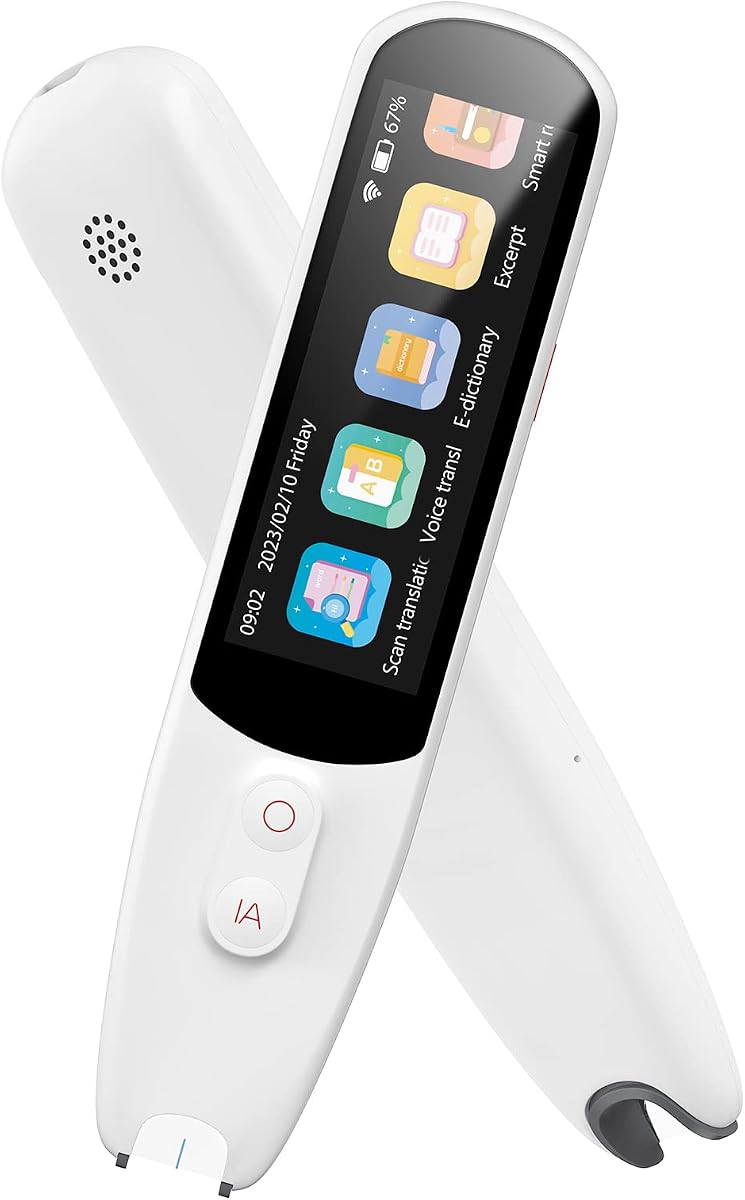


The Scanmarker Pal stands out as a versatile tool for students and adults needing immediate text support. With a strong rating of four stars it offers reliable scanning and translation capabilities across over one hundred languages making it a top choice for global learners.
We may earn a commission when you buy through this link, at no additional cost to you.
Its primary strength lies in the instant text to speech feature that reads scanned words aloud while highlighting them on screen. This dual feedback loop helps users with dyslexia process information faster and retain meaning more effectively during study sessions or travel.
While it supports offline modes for major languages users may find the limited offline library restrictive in areas without internet access. However the Bluetooth connectivity allows for immersive audio listening which enhances the experience significantly for personal use at home.
We recommend this pen for anyone seeking a balanced mix of translation power and readability features. It is particularly suitable for language learners who need quick comprehension tools without sacrificing portability or ease of use in daily tasks.
The ability to hear text read aloud instantly helps users connect visual words with their sounds improving fluency and confidence in reading tasks.
Its compact form factor ensures it fits easily in pockets or bags allowing users to scan text anywhere without heavy equipment or setup.
We may earn a commission when you buy through this link, at no additional cost to you.
The VORMOR Translator Pen earns top marks for its large touch screen which makes viewing translations and text easier for users with vision challenges. It holds a perfect five star rating reflecting high satisfaction among users regarding its speed and translation accuracy across languages.
We may earn a commission when you buy through this link, at no additional cost to you.
Its intelligent recording feature allows users to capture interviews or lectures directly on the device. This is a powerful addition for students who need to review spoken content later alongside their scanned notes for comprehensive study preparation.
The device supports reverse scanning which is ideal for left handed users who might struggle with standard pen designs. While the larger screen adds bulk it provides better visibility for text which is a trade off many find acceptable for daily use.
This pen is highly recommended for students who need both reading support and recording capabilities in one device. The combination of OCR technology and a spacious display makes it a robust tool for complex learning environments.
The larger display ensures text is easy to read and adjust which reduces eye strain during long study sessions or reading tasks.
Built in recording lets you capture audio alongside text ensuring you never miss key details from lectures or important conversations.
We may earn a commission when you buy through this link, at no additional cost to you.
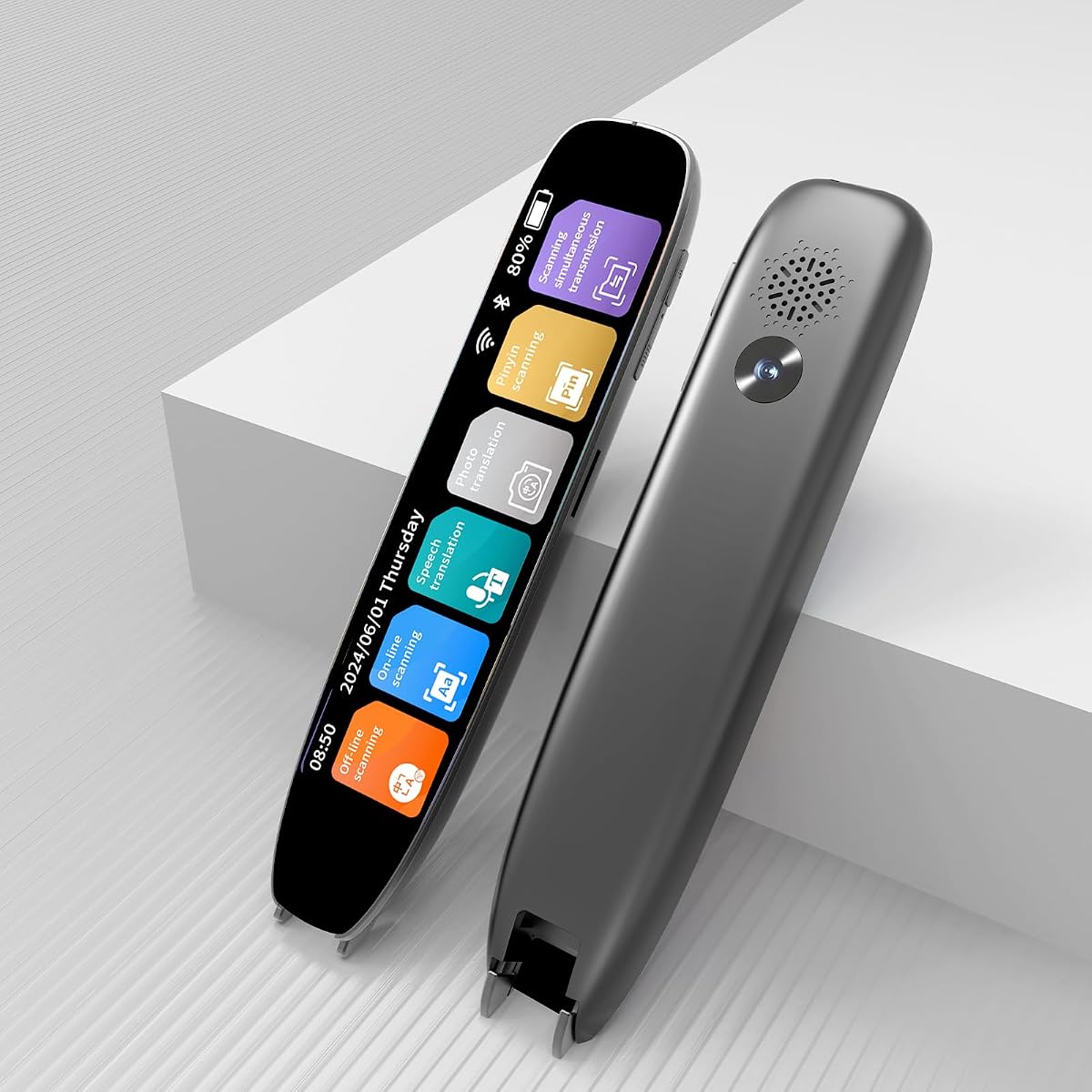
The Scan Translator Pen offers exceptional value by supporting over one hundred forty two languages online and ten offline. This extensive range makes it a powerful tool for diverse educational needs without requiring a premium investment. It is designed for efficiency and ease of use for students and elderly users.
We may earn a commission when you buy through this link, at no additional cost to you.
Users can scan text and have it read aloud instantly improving pronunciation and comprehension skills. The ability to sync scanned text to a phone allows for seamless editing and note taking which supports better organization of study materials.
While the offline library is limited compared to online options it covers major languages well enough for most basic travel or study needs. The horizontal Japanese text limitation is a minor trade off for the overall versatility and price of the device.
This model is perfect for those who want broad language support without breaking the bank. It balances cost and performance effectively making it an accessible choice for families or schools needing multiple units for different learners.
Providing advanced translation features at a lower cost ensures that more learners can access essential reading tools regardless of budget.
Syncing content to mobile devices lets users continue learning on the go and organize notes efficiently using familiar apps.
We may earn a commission when you buy through this link, at no additional cost to you.
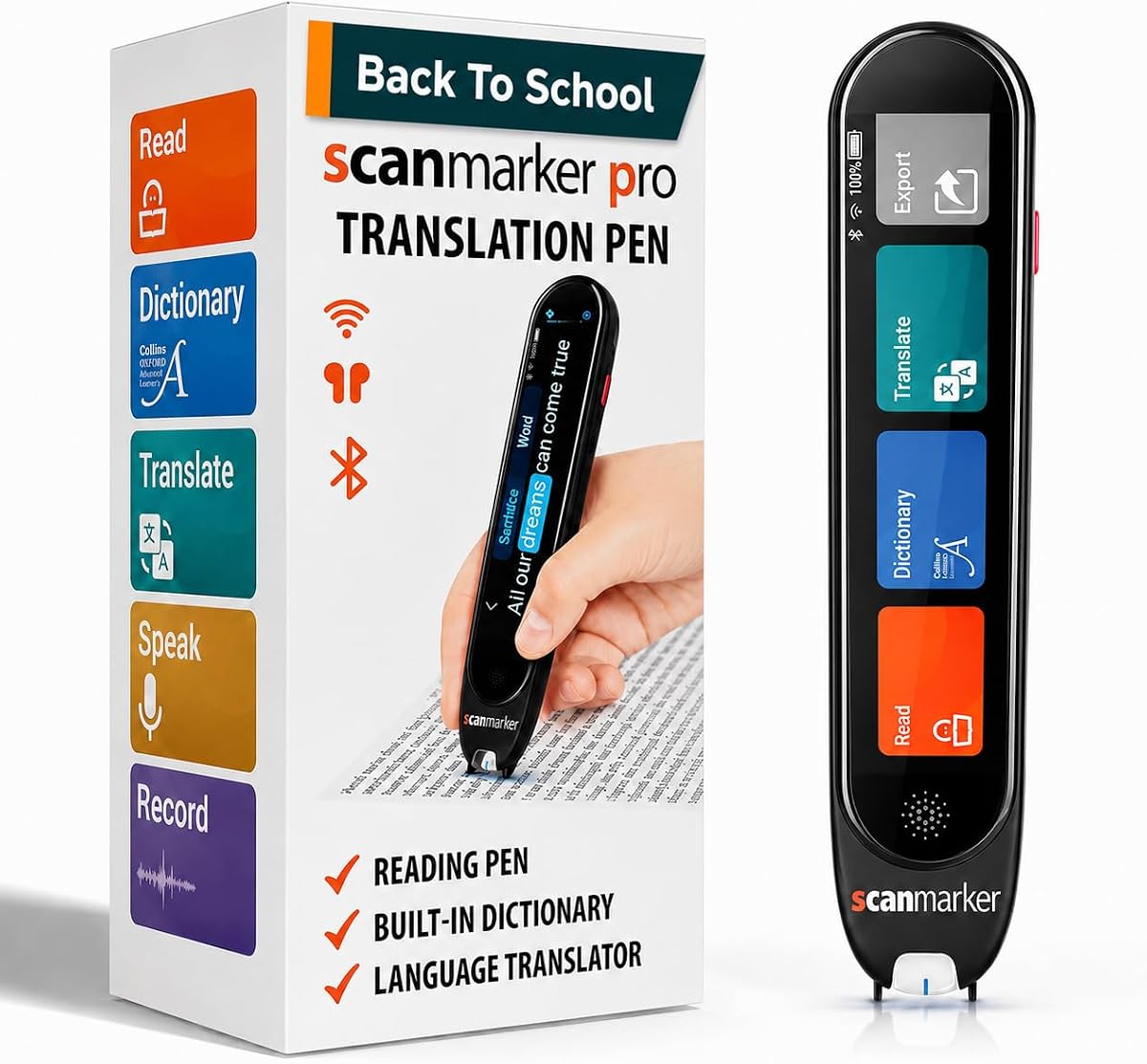
The Scanmarker Pro is a robust standalone tool designed to unlock learning potential with advanced built in features. It includes a full dictionary and word translation tools which help users improve vocabulary directly within the scanning experience without needing external references.
We may earn a commission when you buy through this link, at no additional cost to you.
Smart note taking allows users to capture memos directly on the device for accurate data collection. This feature is particularly useful for professionals or students who need to organize information quickly without transferring files immediately to a computer.
While it has a higher price point the warranty and dedicated customer support provide peace of mind for long term use. The device works well for those who prefer a self contained solution for reading and translation tasks in various environments.
We recommend this pen for users who prioritize reliability and built in learning aids over budget considerations. Its comprehensive feature set supports deep literacy development and makes it a strong choice for educational institutions or serious learners.
Instant definitions and translations help expand vocabulary quickly while reading improving comprehension of complex texts and new terms.
The one year warranty ensures users receive help if issues arise protecting their investment in this assistive learning technology.
We may earn a commission when you buy through this link, at no additional cost to you.
This model combines reading support with voice recording capabilities making it a versatile companion for classroom settings. It supports translation in over one hundred forty two languages and offers offline modes for major languages ensuring utility even without internet access.
We may earn a commission when you buy through this link, at no additional cost to you.
The built in camera allows for instant image translation which is helpful for menus or signs during travel. Voice recording features let students capture lectures to review later providing a multi sensory approach to learning that benefits various retention styles.
While user ratings vary the core functionality remains strong for those who need both text and audio tools. The Bluetooth connectivity ensures audio can be heard clearly without disturbing others in shared spaces like libraries or classrooms.
Ideal for students who need to organize lectures and text simultaneously this pen offers a comprehensive learning package. Its ability to function as a recorder and scanner makes it a practical choice for busy academic schedules.
Combining text scanning with audio recording helps learners process information through both visual and auditory channels effectively.
Offline modes ensure you can access translations and speech features even when Wi Fi is unavailable in remote areas.
We may earn a commission when you buy through this link, at no additional cost to you.
The SVANTTO Translator Pen integrates OCR translation and text to speech into a single portable device. It focuses on audio quality with noise reduction technology which is crucial for capturing clear lectures or meetings in busy environments.
We may earn a commission when you buy through this link, at no additional cost to you.
Users can adjust reading speeds to match their comprehension level making it adaptable for various literacy skills. The ability to edit scanned text directly into memos and vocabulary lists helps students organize their learning efficiently over time.
With offline translation support for key languages like English and French it remains useful during travel. The device is designed to be simple for students who need consistent support without complex technical setups.
This pen is recommended for those who value audio clarity and simple note management. Its focus on reducing background noise makes it a practical tool for users in noisy classrooms or public spaces.
Adjustable speed settings let you listen at your own pace ensuring you understand every word clearly during study.
Converting scans to editable memos helps you keep track of new words and concepts without needing separate tools.
We may earn a commission when you buy through this link, at no additional cost to you.
The NEWYES AI Pen stands out with its AI powered dictionary and homework checker features. It is designed to grow with learners from pre-readers to advanced readers with six distinct levels that adapt to user proficiency over time.
We may earn a commission when you buy through this link, at no additional cost to you.
Its special font design reduces visual stress making text easier to process for those with reading challenges. The large storage capacity allows users to save significant amounts of scanned data and documents without needing external drives.
The AI image recognition helps answer questions by exploring the world around the user. This interactive approach to learning keeps students engaged and provides immediate answers to queries that traditional dictionaries cannot resolve.
Ideal for tech savvy students this pen combines traditional scanning with smart assistance tools. It is a strong option for those who want an intelligent companion to support their academic journey and homework tasks.
Multiple levels ensure the tool remains useful as your reading skills improve preventing the need for immediate upgrades.
Sixteen gigabytes of space let you store countless scanned files and notes keeping your digital library well organized.
We may earn a commission when you buy through this link, at no additional cost to you.
This Translation Pen is designed to help professionals capture essential information quickly on the go. It features a text excerpt function that allows users to isolate key details from large documents efficiently without manual typing.
We may earn a commission when you buy through this link, at no additional cost to you.
With support for one hundred forty two languages it is ideal for business travelers who face language barriers abroad. The camera feature enables instant photo translation for menus or signs ensuring smooth communication in foreign environments.
The text to speech feature helps users confirm their understanding of scanned documents instantly. This is crucial for accurate communication in professional settings where errors can lead to misunderstandings or missed opportunities.
We recommend this device for travelers and professionals who need rapid translation and text extraction. Its focus on efficiency and essential features makes it a practical choice for busy business schedules.
Extracting specific text segments saves time by focusing only on the information needed for immediate tasks or meetings.
Broad language support ensures you can interact effectively in most regions reducing friction during international business travel.
We may earn a commission when you buy through this link, at no additional cost to you.
The Translator Pen offers a perfect five star rating reflecting high user satisfaction with its advanced camera capabilities. Its 5MP HD camera decodes complex layouts and non standard text which is a significant advantage over traditional scanners.
We may earn a commission when you buy through this link, at no additional cost to you.
Users can sync editable files directly to their phones which streamlines note taking and document organization. This is particularly helpful for office staff who need to digitize and share materials quickly without delay or manual entry.
The device handles various tricky text scenarios reliably allowing for flexible translation in diverse environments. While it may require some setup for the best camera performance the results justify the effort for users with complex documents.
This pen is ideal for users who frequently scan non flat text like menus or books. Its ability to handle complex layouts makes it a superior choice for those who need high quality text recognition.
The high definition camera captures text from angles or surfaces that standard pens struggle with ensuring better accuracy.
Syncing scans directly to your phone allows you to edit and share documents instantly on your mobile device.
We may earn a commission when you buy through this link, at no additional cost to you.
This Scan Translation Pen is designed with ergonomics in mind offering left and right hand modes for comfortable use. Weighing only seventy grams it fits easily into pockets and causes minimal fatigue during long scanning sessions.
We may earn a commission when you buy through this link, at no additional cost to you.
The classroom recording feature lets students capture lectures to review later ensuring no key content is missed. Bluetooth headphones provide an immersive audio experience allowing users to listen privately without disturbing others nearby.
It supports over one hundred forty two languages for online and offline translation ensuring utility for global learners. While it has minor setup requirements the comfort and recording features make it a strong contender for students.
We recommend this pen for users who prioritize physical comfort and lecture recording. Its lightweight design and humanized features make it an accessible tool for daily use in various learning environments.
Left and right hand modes ensure that all users can scan without strain or discomfort during long study sessions.
Bluetooth headphones allow you to listen to text privately keeping the audio focused on your own learning needs.
We may earn a commission when you buy through this link, at no additional cost to you.
Selecting the right dyslexia reading pen requires evaluating language support, scanning accuracy, and audio feedback features to match your specific learning needs.
Ensure the pen supports the specific languages you need to read or translate. Look for devices that offer both online and offline modes to maintain utility even without internet access.
A broad language library ensures the tool remains useful as your learning needs evolve across different contexts.
High quality audio feedback is essential for users with dyslexia to process written information. Check if the pen allows speed adjustments to match your listening comfort.
Clear and adjustable audio playback helps users comprehend text effectively and reduces frustration during reading sessions.
Accurate scanning is critical for the device to read the text correctly. Look for optical character recognition technology that handles various fonts and paper types.
Advanced scanning ensures that the text is captured accurately allowing for reliable translation and speech output every time.
A device with long battery life ensures uninterrupted use during travel or study sessions. Check if the pen can be recharged quickly or uses standard batteries.
Reliable power management prevents unexpected shutdowns and ensures the pen is always ready for use when you need it.
Internal storage and Bluetooth connectivity allow you to save and transfer scanned text. This helps in organizing notes and backing up data on other devices.
Seamless connectivity ensures you can manage your documents easily and collaborate with others using your scanned content.
Ergonomic design and weight impact how comfortable the pen is to use. A lighter pen is better for prolonged use without hand fatigue.
A comfortable grip and lightweight body make daily scanning tasks easier and more enjoyable for all users.
User interfaces should be intuitive to minimize the learning curve. Look for large screens and clear buttons that make navigation simple.
An easy to use interface ensures you can focus on reading and learning rather than troubleshooting device settings.
Reliable customer support and warranty coverage provide peace of mind. Check for available resources like tutorials or helplines.
Strong support services ensure you can resolve any issues quickly and get the most out of your purchase.
To begin using your pen charge it fully and install any necessary apps on your phone if required by the device instructions. Ensure you understand the scanning motion and button functions by practicing on a sample text.
When scanning text hold the pen at a steady angle and move it slowly across the page to ensure accurate recognition. Listen to the audio output and adjust the volume or speed settings to match your comfort level.
Regularly clean the scanning sensor with a soft cloth to prevent dust from affecting performance. Store the pen in a protective case when not in use to avoid damage to the camera or screen components.
Yes many models offer offline translation for major languages such as English and Spanish. This allows you to scan and translate text even when Wi Fi or data connections are unavailable during travel.
While designed primarily for dyslexia they can assist with other reading challenges. However they are not suitable for blind users and should be used alongside other accessibility tools as needed.
Most pens support USB or Bluetooth connectivity to sync files to your device. Follow the companion app instructions to export text in formats like TXT or PDF for editing.
Many modern pens support scanning from digital screens including phones and monitors. Ensure the screen brightness is adjusted for optimal camera recognition before scanning.
Some models include built in voice recorders to capture lectures or meetings. Check specific product details to confirm recording capabilities before purchasing.
Battery life varies by model and usage intensity but typically lasts several hours of continuous scanning. Charging is usually quick and can be done via a standard cable.
Choosing the right dyslexia reading pen depends on your specific needs such as language support or recording features. We found the Scanmarker Pal to be a top choice for balance while the Scan Translator Pen offers excellent value.
Prioritize models with strong text to speech and accurate scanning to ensure effective learning support. Also consider battery life and storage options if you plan to use the pen for extended periods or travel.
Remember that prices and availability may change so verify the latest details before purchasing. With the right tool you can overcome reading barriers and enhance your learning experience significantly.