
24 Anti Blue Light Anti Glare Screen Protector
3.6Editor score
Anti-glare matte coating
Precise laser-cut fit
Resists oil and water
Protecting your vision in today's digital world is essential for long-term health. An eye friendly monitor protector filters harmful blue light and UV rays to reduce strain during extended screen sessions.
We analyzed ten leading products based on filtration technology, screen compatibility, ease of installation, and user feedback. Our comparison covers options for desktop monitors ranging from twenty one to twenty seven inches.
Each pick highlights specific strengths like privacy features, anti-glare coatings, or lightweight designs. Note that availability and pricing fluctuate daily so check current listings before purchasing your chosen protector.
3.6Editor score

4.4Editor score

4.2Editor score
As an Amazon Associate we earn from qualifying purchases.
The following table provides a side-by-side overview of the ten most recommended eye friendly monitor protectors available this month.


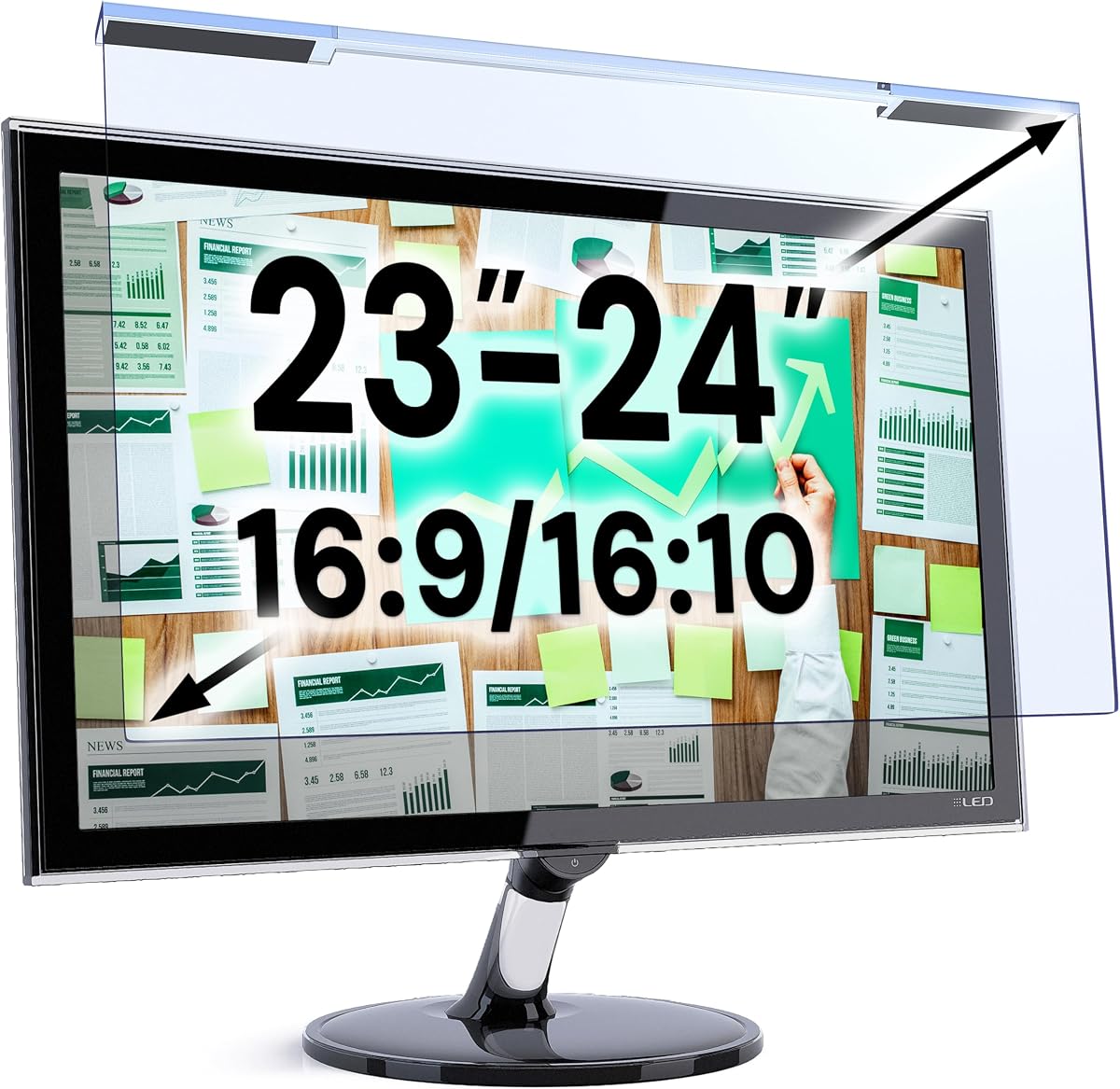


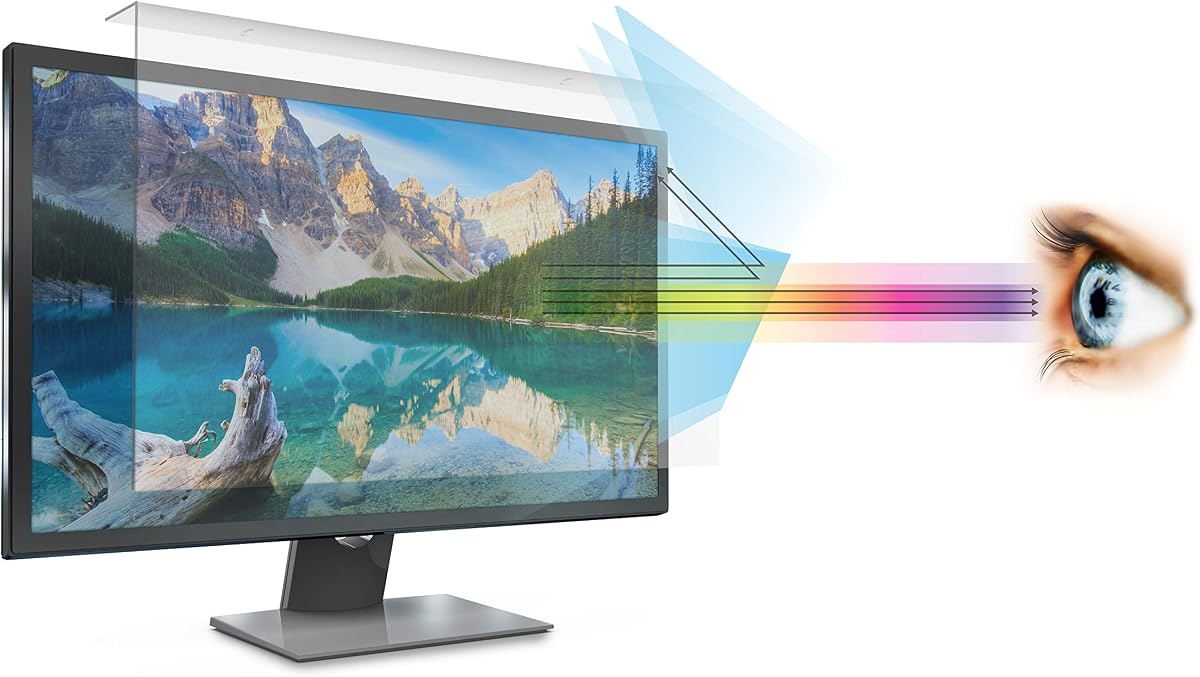

The MOSISO protector stands out for its high transparency and effective UV filtering. It achieves a solid 4.4 rating from users who value clear visuals and eye comfort.
We may earn a commission when you buy through this link, at no additional cost to you.
Its 95 percent clear transparency ensures the screen brightness remains unaffected while blocking harmful rays. The ultra thin acrylic sheet is lightweight and easy to hang.
While it lacks privacy features, its primary role as an eye saver is well executed. Users note the convenience of a no glue design that prevents residue.
This model is ideal for office workers needing reliable eye protection without altering display quality. It is a strong top pick for general daily use.
The high transmission rate ensures colors remain accurate and bright for productivity.
Acrylic material helps prevent dust and scratches on the monitor surface.
We may earn a commission when you buy through this link, at no additional cost to you.
This dual pack offers excellent value for those needing privacy alongside eye care. It blocks 98 percent of blue light and includes mounting options for flexibility.
We may earn a commission when you buy through this link, at no additional cost to you.
The reversible design allows users to choose between glossy clarity or matte anti-glare surfaces. This versatility makes it suitable for various lighting environments.
Trade-offs include the specific width requirement for 16:9 monitors. Ensure measurements match before ordering to avoid fit issues.
Buyers looking for privacy in open offices will appreciate the secure tabs and blackout angles. It serves both security and comfort needs effectively.
Flip the screen to switch between privacy and glare reduction as needed.
Getting two units means a spare is available for replacements or backup use.
We may earn a commission when you buy through this link, at no additional cost to you.
VizoBlueX focuses on comprehensive light filtering with a multi-layer approach. It aims to reduce eye strain and headaches by targeting specific wavelengths.
We may earn a commission when you buy through this link, at no additional cost to you.
The filter maintains full visible colors which is crucial for creative work. Users appreciate that it does not distort the picture quality on retina displays.
Unlike some competitors it lacks an anti-glare coating. This might be less effective in very bright rooms without curtains.
This is a great choice for users prioritizing light quality over glare reduction. It fits common 23 to 24 inch screens accurately.
The layers target UV and HEV light to protect against harmful emissions.
Design ensures that images and text remain true to their original hues.
We may earn a commission when you buy through this link, at no additional cost to you.
VINTEZ offers a specialized filter designed for laptops and desktops with a strong blue light blocking capability. It is supported by a lifetime replacement policy.
We may earn a commission when you buy through this link, at no additional cost to you.
The film is thin and preserves screen brightness while shielding eyes from specific wavelengths. Users find it easy to peel and install without tools.
It does not feature an anti-glare coating which means reflection might still be visible in bright light. This is a trade-off for clarity.
Ideal for office users needing extra eye support without changing the screen appearance. The warranty adds confidence for long-term use.
Damaged screens can be replaced free of charge under the lifetime policy.
The mount is minimal so it does not add bulk to your monitor setup.
We may earn a commission when you buy through this link, at no additional cost to you.
Peslv delivers a high-end option with double-sided technology and strong anti-peep capabilities. It combines privacy with significant blue light reduction for comprehensive protection.
We may earn a commission when you buy through this link, at no additional cost to you.
The filter works on monitors with or without raised bezels thanks to two mounting methods. The matte surface reduces glare while the glossy side enhances privacy.
Installation might require careful alignment to ensure the angle works perfectly. However the result is a secure and comfortable viewing environment.
This screen is best for professionals handling sensitive data who also care about eye health. The lifetime warranty adds significant value to the purchase.
Advanced micro-blind technology ensures data stays private from side views.
The matte face softens light outdoors and makes content clearer for work.
We may earn a commission when you buy through this link, at no additional cost to you.
Protescreen offers a reliable 27 inch privacy screen that limits viewing angles to protect data. It includes lifetime support and robust mounting options.
We may earn a commission when you buy through this link, at no additional cost to you.
The filter blocks significant UV light and features a matte anti-glare surface to reduce visual fatigue. It is designed to be removable so you can take it off easily.
While the cost is higher than basic filters it adds security features that standard ones lack. This makes it a solid choice for public workspaces.
Consider this model if you need privacy and a clear front view. The warranty ensures you can reach out for any product issues.
The micro-louver technology darkens the screen when viewed from the sides.
Slide tabs allow quick removal without damaging your monitor surface.
We may earn a commission when you buy through this link, at no additional cost to you.
ZYY uses nano-optical stacking technology to block a high percentage of harmful light. It is constructed from durable 8H reinforced acrylic.
We may earn a commission when you buy through this link, at no additional cost to you.
The filter is designed for general 27 inch monitors and fits curved screens well. It reduces eye strain and helps focus on tasks without distractions.
Users should ensure their monitor fits the width dimensions before ordering as it does not include adhesive for a permanent mount. This is fine for removable use.
This is a strong contender for those needing a tough protective layer. The material is scratch resistant and keeps the screen safe.
Advanced stacking filters out blue light without losing screen clarity.
Acrylic build provides a barrier against dust and minor impacts.
We may earn a commission when you buy through this link, at no additional cost to you.
This option is a budget friendly choice focusing on anti-glare performance for touch screens. It features an oleophobic coating to repel fingerprints and water.
We may earn a commission when you buy through this link, at no additional cost to you.
Users appreciate the precise cut that matches specific monitor brands. It ensures a seamless experience without input lag on interactive displays.
While it blocks UV it may not be as strong on blue light as other options. This makes it a trade-off for price and touch compatibility.
Ideal for users with touchscreen monitors who need glare reduction. It is an accessible entry point into eye protection.
Designed for responsive screens maintaining smooth input without lag.
The oleophobic layer repels oils making it simple to wipe clean.
We may earn a commission when you buy through this link, at no additional cost to you.
EZ-Pro provides a simple solution for smaller monitors without using adhesives. It attaches securely to the bezel for easy removal.
We may earn a commission when you buy through this link, at no additional cost to you.
The filter includes a testing kit so you can verify its blue light blocking capability. It blocks up to 80 percent of harmful radiation.
It is not suitable for larger 24 inch screens but works well for compact setups. The lack of glue keeps your monitor clean.
This is a solid choice for home users with standard 21 to 22 inch displays. The added test kit offers peace of mind.
The frame hooks onto the bezel so you avoid sticky residue.
A blue light testing kit helps verify the protection levels.
We may earn a commission when you buy through this link, at no additional cost to you.
IPROKKO delivers a dual pack for larger 27 inch screens with high blocking efficiency. It reduces glare and supports curved monitors.
We may earn a commission when you buy through this link, at no additional cost to you.
The film is washable and reusable so you can clean it when dust accumulates. It maintains clarity without reducing screen brightness significantly.
Users should verify dimensions carefully as it excludes the bezel in measurements. This ensures a tight fit on the active screen area.
This is a practical choice for those wanting a spare filter. The high blocking rate makes it suitable for heavy daily use.
Dust can be cleaned off allowing the protector to be reused.
Buying two ensures you have a backup for future needs.
We may earn a commission when you buy through this link, at no additional cost to you.
Selecting the right protector involves evaluating several factors to ensure it meets your eye care and screen needs.
Most protectors fit specific dimensions like 24 or 27 inches. Measure your screen width and height including the bezel to ensure a proper fit.
Always check the product dimensions before ordering to avoid returns due to size mismatches.
Look for specifications that state the percentage of blue light and UV rays blocked. Higher numbers like 98 percent or more offer better protection.
Verify that the filter targets the harmful HEV spectrum between 400 and 460 nanometers.
Anti-glare matte surfaces reduce reflections in bright rooms which helps comfort. Glossy surfaces preserve image clarity but may show more glare.
Choose based on your lighting conditions; matte is often better for offices with overhead lights.
Privacy filters use micro-louver technology to darken the screen when viewed from angles. This is useful for open offices or public spaces.
Standard blue light filters do not offer privacy so select carefully if confidentiality is needed.
Acrylic materials are lightweight and scratch resistant which helps protect the monitor surface. Glass options are heavier and less common in this category.
Ensure the material is thin enough to prevent image distortion or color shifts.
Some filters hang by the bezel while others use adhesive tabs or clips. Removable options are better for flexibility but adhesive ones are more secure.
Check if the monitor has a raised bezel before buying tab-based options.
Manufacturers often offer lifetime warranties or replacement policies. This adds value and ensures you can replace the filter if it gets damaged.
Check the brand reputation and customer support options before purchasing.
If you use a touchscreen monitor ensure the protector is designed for it. Some thicker films may reduce touch sensitivity.
Look for specific mentions of zero input lag or touchscreen support in the product description.
Start by cleaning your monitor screen thoroughly with a microfiber cloth to remove any dust before installing the protector. This prevents trapped particles that could scratch the screen.
Align the protector carefully with your screen edges to avoid uneven gaps. If using adhesive tabs press down gently to secure it without leaving marks.
Clean the protector regularly with a soft cloth to maintain clarity. Avoid harsh chemicals that might damage the coating or reduce light transmission.
Yes studies suggest that reducing blue light exposure can lower digital eye strain and improve sleep quality. These protectors filter harmful rays making them beneficial for users working long hours.
High quality protectors are designed to be nearly invisible so color accuracy remains unchanged. Avoid cheap filters that tint the screen yellow which can alter visual perception.
Measure the width and height of the active display area excluding the frame. Most listings provide the exact dimensions to ensure a perfect fit without overhang.
No privacy screens block side views while blue light filters target harmful light wavelengths. Some models combine both features so check the product specs carefully.
Many modern protectors are flexible enough to fit curved screens. Look for a description that specifically mentions curved monitor compatibility before purchasing.
Most high quality brands use mild adhesives that do not damage screens. However if you are worried removable clips are a safer alternative that leaves no residue.
If the protector gets scratched or cloudy it may reduce light transmission. Regular cleaning keeps it effective but replace it if the coating wears off.
Yes most protectors do not add input lag so they work fine for gaming. Check for models labeled as having high transparency to ensure a clear view.
We reviewed ten top options ranging from simple blue light filters to dual-purpose privacy protectors. Each model offers unique benefits for different user needs and screen sizes.
Prioritize filters with high UV and blue light blocking rates alongside durable materials. Choose one that fits your screen dimensions and offers secure mounting.
Remember to verify current availability and pricing before buying as these details change often. Invest in a quality protector to safeguard your eyes for the long term.