
HP 14 inch Laptop
4.5Editor score
Affordable pricing
Lightweight design
Anti glare coating
Discover the top laptops with anti glare screens for comfort and clarity. This guide compares specs, displays, and performance to help you choose the right
Finding a laptop with an anti glare screen is essential for anyone who works in bright environments or spends long hours in front of a display. Glare can cause eye strain and reduce productivity, making screen quality a top priority for students and professionals alike.
We have carefully evaluated ten top rated models to bring you a curated list of the best options available. Each product was selected based on display technology, build quality, performance capabilities, and user feedback to ensure reliability and value.
Every pick in this guide highlights specific strengths such as portability, battery life, and visual clarity. While the selections are based on current market data, prices and availability may change, so checking the latest offers is always recommended before purchasing.
4.5Editor score

4.5Editor score

4.4Editor score
This side by side comparison breaks down the key specifications of each laptop to help you make an informed decision based on your specific needs and preferences.




This Dell laptop offers a reliable experience for daily tasks with its efficient processor and clear display. It is designed to keep you productive without unnecessary bloat or complex features.
We may earn a commission when you buy through this link, at no additional cost to you.
The ComfortView software helps reduce blue light exposure, making it easier on the eyes during long sessions. Combined with Express Charge support, you can stay focused throughout the day.
While it may not handle heavy creative workloads, it is perfectly suited for web browsing, document editing, and video calls. The ergonomic design ensures comfort even when typing for hours.
It is an ideal choice for students or home users who need a straightforward machine that gets the job done reliably. The included service support adds peace of mind for long term use.
Dell ComfortView helps filter harmful blue light emissions to keep your eyes comfortable over extended viewing times.
Lifted hinges provide an ergonomic typing angle to keep your wrists comfortable during long typing sessions.
We may earn a commission when you buy through this link, at no additional cost to you.
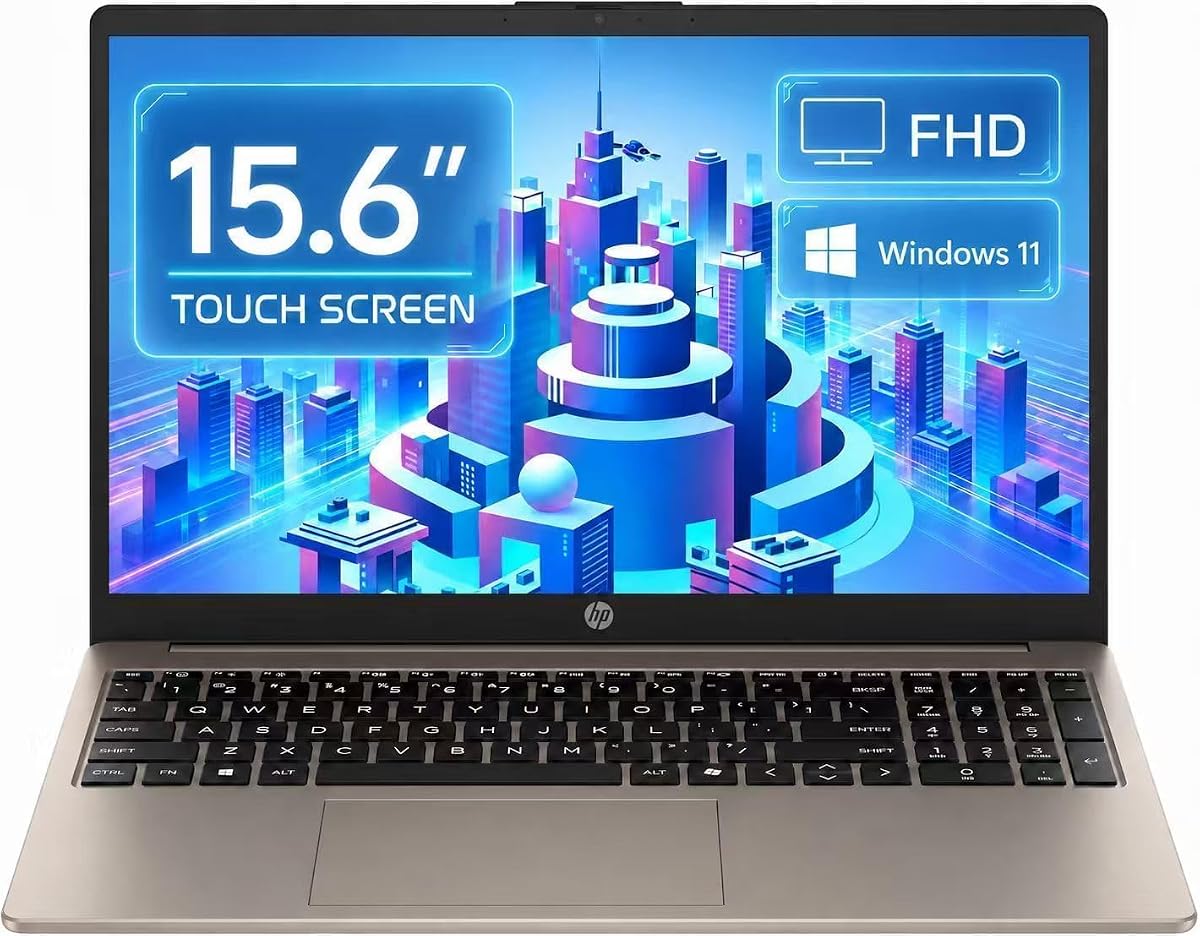
The HP Pavilion combines a clear anti glare display with a responsive touchscreen for intuitive interaction. It is well suited for users who want flexibility in how they navigate their tasks.
We may earn a commission when you buy through this link, at no additional cost to you.
With 16GB of RAM and a 1TB SSD, you have ample space for files and smooth multitasking. The battery life supports full workdays away from an outlet.
While the processor is mid range, it handles everyday computing, streaming, and office documents without lag. The privacy shutter adds an extra layer of security during video calls.
This model is perfect for professionals or students who need a balance of performance, storage, and interaction options. The touch feature makes zooming and selecting items particularly efficient.
The capacitive touchscreen makes everyday tasks like scrolling web pages or selecting items more intuitive.
Features a privacy shutter on the camera and a USB-C port for reliable streaming and file transfers.
We may earn a commission when you buy through this link, at no additional cost to you.
This compact laptop delivers essential features at a highly accessible price point. It is designed for portability and basic productivity, making it easy to carry everywhere.
We may earn a commission when you buy through this link, at no additional cost to you.
The anti glare coating ensures visibility in bright environments while the lightweight design reduces strain during travel. Cloud storage complements the limited local drive effectively.
While not meant for heavy multitasking, it handles web browsing and document editing efficiently. The inclusion of Microsoft 365 adds immediate value for new users.
It is a great fit for students or casual users who prioritize cost and mobility. Just be mindful of storage limits if you work with large local files.
Slim 0.71 inch profile and lightweight 3.24 lb chassis make it easy to carry between home, office, or school.
Stay connected with multiple ports including USB 3.0 Type-C and HDMI for seamless wireless networking.
We may earn a commission when you buy through this link, at no additional cost to you.
This HP model stands out with advanced AI features designed to enhance communication and workflow. The touchscreen adds versatility while the bright display ensures clarity.
We may earn a commission when you buy through this link, at no additional cost to you.
Advanced AI noise reduction tracks your voice during calls to filter out background noise. This makes it ideal for remote work or virtual meetings.
The dedicated Copilot key offers AI assistance to optimize tasks. While storage is moderate, the included cooler helps maintain performance under load.
It is a strong choice for users who value smart features and display quality. The combination of hardware and software tools supports efficient daily use.
Advanced Personal Mode tracks only your voice during conference calls while automatically filtering out noises for focused communications.
300 nits brightness and anti glare touch display ensure lifelike color reproduction and wide viewing angles.
We may earn a commission when you buy through this link, at no additional cost to you.
This laptop combines high end processing with a vibrant display for a premium user experience. It is built to handle demanding tasks with efficiency and speed.
We may earn a commission when you buy through this link, at no additional cost to you.
The fast charge technology gets you from zero to fifty percent in minutes. The Core i7 processor and large SSD ensure rapid boot times and smooth multitasking.
Iris Xe graphics provide crisp visuals for media consumption and light creative work. The display quality adds a new dimension to your content.
It is an excellent choice for power users who need performance and reliability. The balance of speed and clarity makes it worth the investment.
Power down your device and go from zero to 50% charge in approximately 45 minutes when low on power.
The 1920 x 1080 resolution gives all your digital content a new dimension with crystal clear visuals.
We may earn a commission when you buy through this link, at no additional cost to you.
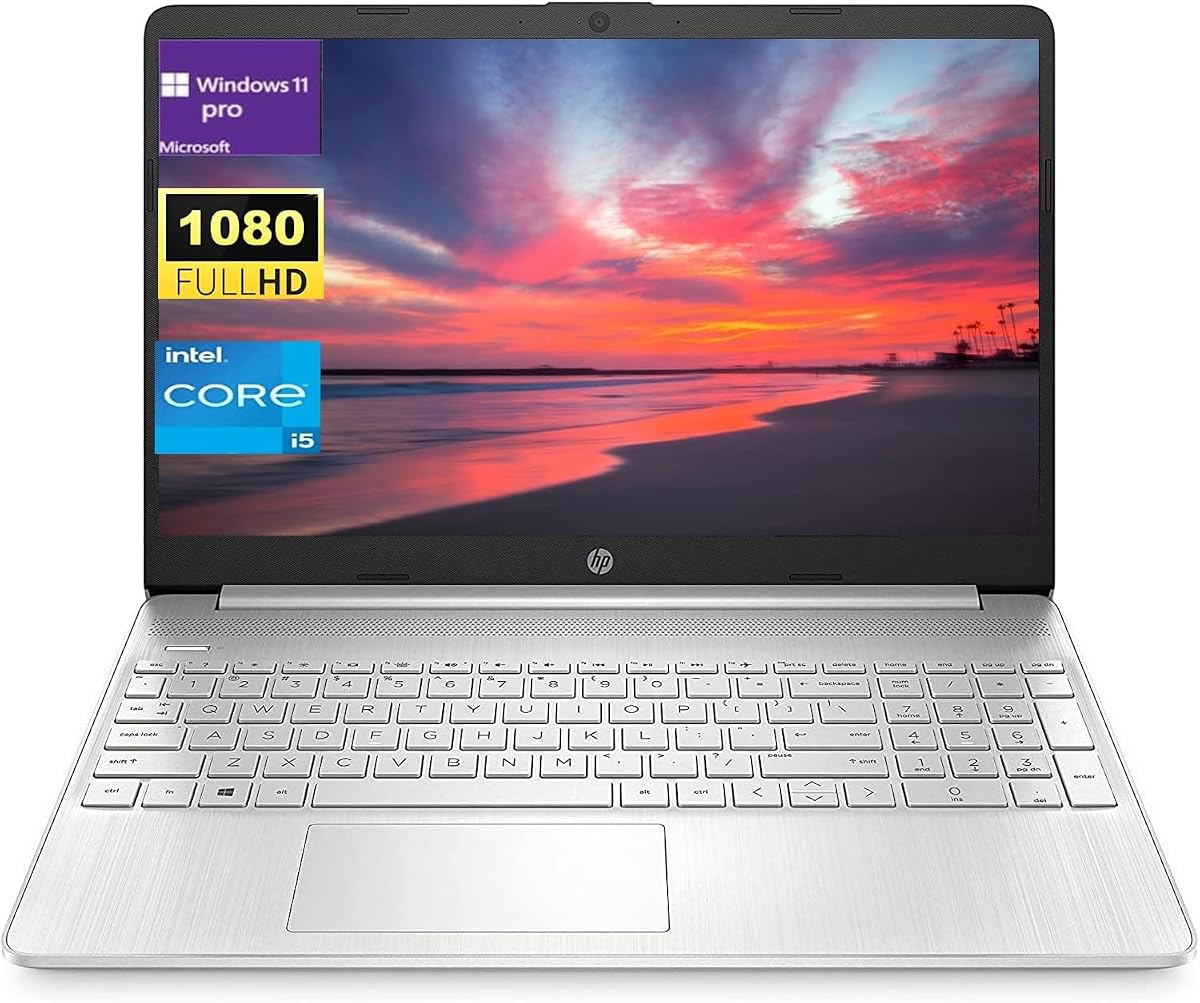
This laptop offers professional features in a reliable package suitable for business use. The Windows 11 Pro edition provides advanced security and management tools.
We may earn a commission when you buy through this link, at no additional cost to you.
With an i5 processor and 512GB SSD, it handles office applications efficiently. The SD card reader is a useful addition for transferring photos.
While the processor is older, it remains capable for everyday tasks. The port selection supports connectivity needs without adapters.
It is a solid option for small business owners or professionals needing specific OS features. The balance of function and price makes it compelling.
Windows 11 Pro provides advanced security and management tools for business and professional users.
SD media card reader allows easy photo transfers without needing external adapters.
We may earn a commission when you buy through this link, at no additional cost to you.
This renewed business laptop brings reliable performance at an accessible price. The touchscreen and anti glare display add usability for various tasks.
We may earn a commission when you buy through this link, at no additional cost to you.
With 16GB of RAM, it manages multitasking well for office work and online learning. The solid state drive ensures smooth operation.
While it is renewed, the build quality remains dependable. It is a practical choice for those needing professional features without the premium cost.
Ideal for students or small offices seeking a durable machine. Just verify the condition and warranty before purchasing.
Handy touch function adds extra usability for daily use on the anti glare display.
Includes multiple ports such as Thunderbolt 4 and HDMI for versatile connectivity.
We may earn a commission when you buy through this link, at no additional cost to you.
Built to last, this laptop features durable construction and eye comfort certification. It is designed for reliability in challenging environments.
We may earn a commission when you buy through this link, at no additional cost to you.
The anti glare display with low blue light certification reduces eye strain. Military grade testing ensures it can handle daily wear and tear.
While storage is limited, Microsoft 365 includes cloud solutions. The DDR5 RAM supports efficient performance for daily tasks.
It is a robust choice for remote workers or students in busy environments. The build quality prioritizes longevity over high end specs.
MIL STD tested 810H military grade tested ensures reliability in challenging conditions.
TUV Low Blue Light certified to reduce eye strain during long work sessions.
We may earn a commission when you buy through this link, at no additional cost to you.
This laptop offers a spacious display for enhanced productivity and entertainment. The anti glare coating ensures clarity even in bright rooms.
We may earn a commission when you buy through this link, at no additional cost to you.
With a powerful Ryzen 5 processor and large storage, it handles multitasking and media well. The brightness levels deliver vibrant visuals.
The size makes it less portable but ideal for a desk setup. It supports extensive workflows and media consumption comfortably.
It is a top pick for users who prioritize screen real estate and performance. Just consider the weight if you travel frequently.
17.3 Full HD IPS LED display delivers incredible detail and wide viewing angles.
Powerful Ryzen 5 processor handles multitasking and streaming smoothly without lag.
We may earn a commission when you buy through this link, at no additional cost to you.
Designed for immersion, this laptop provides a large screen and efficient performance. It is well suited for home or office stationary use.
We may earn a commission when you buy through this link, at no additional cost to you.
The anti glare display supports clear visuals. The fast SSD and large RAM ensure rapid application launches and multitasking.
While portable, it is best suited as a main workstation. The large screen enhances productivity and entertainment experiences.
It is an excellent choice for students and home users needing a powerful desktop replacement. Focus on the display benefits for your workflow.
Enjoy sharp visuals on a 17.3 inch Full HD anti glare screen with wide viewing angles.
Powerful hexa core processor beats i7 in everyday performance and multitasking.
We may earn a commission when you buy through this link, at no additional cost to you.
Choosing the right laptop requires understanding key factors that impact usability and comfort. This section outlines what to look for to ensure you select the best device for your needs.
Look for an anti glare coating to reduce reflections and eye strain during extended use. Higher brightness levels ensure visibility in bright environments like offices or near windows.
Prioritize displays with good resolution and anti glare technology for clarity and comfort.
The processor determines how well the laptop handles tasks like multitasking and media. Consider your workload to choose between entry level and high end CPUs.
Select a processor that matches your typical usage to avoid slowdowns or unnecessary cost.
Sufficient RAM allows smooth switching between applications without lag. SSDs offer faster boot times and data access compared to traditional drives.
Ensure the device has enough RAM and storage for your files and software needs.
If you travel often, consider lighter models that fit easily in backpacks. Larger screens often mean more weight and bulk.
Balance screen size with portability to suit your mobility needs.
Long battery life supports productivity away from power outlets. Look for models that offer all day usage.
Check real world battery estimates to avoid frequent charging interruptions.
A variety of ports allows easy connection to peripherals like monitors and printers. Modern connectivity ensures compatibility with current devices.
Verify port selection meets your peripheral needs before purchasing.
Windows 11 provides modern features and security updates. Some models offer Pro editions with advanced tools.
Choose an OS version that supports your software and security requirements.
A solid warranty protects against hardware issues and provides peace of mind. Support services can resolve problems quickly.
Review warranty terms to ensure adequate coverage for your purchase.
Clean the screen regularly with a microfiber cloth to remove dust and smudges. Avoid using harsh chemicals that might damage the anti glare coating.
Keep the laptop in a cool environment to prevent overheating. Ensure vents are not blocked during operation.
Use a protective case when transporting to avoid scratches. Regularly update software to maintain performance and security.
An anti glare screen has a special coating that reduces reflections from lights and windows. This helps improve readability and reduces eye strain.
Some anti glare coatings may slightly mute colors compared to glossy screens. However they are worth it for comfort in bright rooms.
Use a soft microfiber cloth dampened with water or screen cleaner. Wipe gently in circular motions to avoid damaging the coating.
Matte anti glare screens are better for bright environments as they reduce glare. Glossy screens offer richer colors but suffer more from reflections.
It depends on your usage. 14 inches are portable while 17 inches offer more screen real estate for productivity.
It adds a layer of protection but may affect touch sensitivity. Choose one that is compatible with your model to ensure function.
We have explored ten top options that balance display quality, performance, and value. Each pick serves different needs from budget friendly to premium.
Prioritize your usage requirements like portability or power to narrow down choices. The right screen can significantly improve your daily experience.
Check current prices and availability before making your purchase to ensure you get the best deal for your selected model.