
Wireless CarPlay Adapter 2026
4.6Editor score
Plug and Play Setup
Compact And Durable Design
Dual-Chip Technology
This guide compares the top 10 Carplay Adapter for Tesla options to help you find the most reliable wireless connection for your vehicle.
Finding the right Carplay Adapter for Tesla can transform your driving experience significantly. It allows seamless wireless connectivity for navigation and music without messy cables cluttering your dashboard.
We compared ten leading models based on connection stability, setup ease, and build quality. Our analysis focuses on real-world performance to help you choose the perfect adapter for your needs.
Each pick highlights key features and potential trade-offs for informed decisions. Note that prices change frequently, so verify current offers before purchasing your new wireless solution.
4.6Editor score

4.3Editor score

4.5Editor score
This side-by-side comparison highlights the core specifications and unique selling points of each adapter to help you decide quickly.

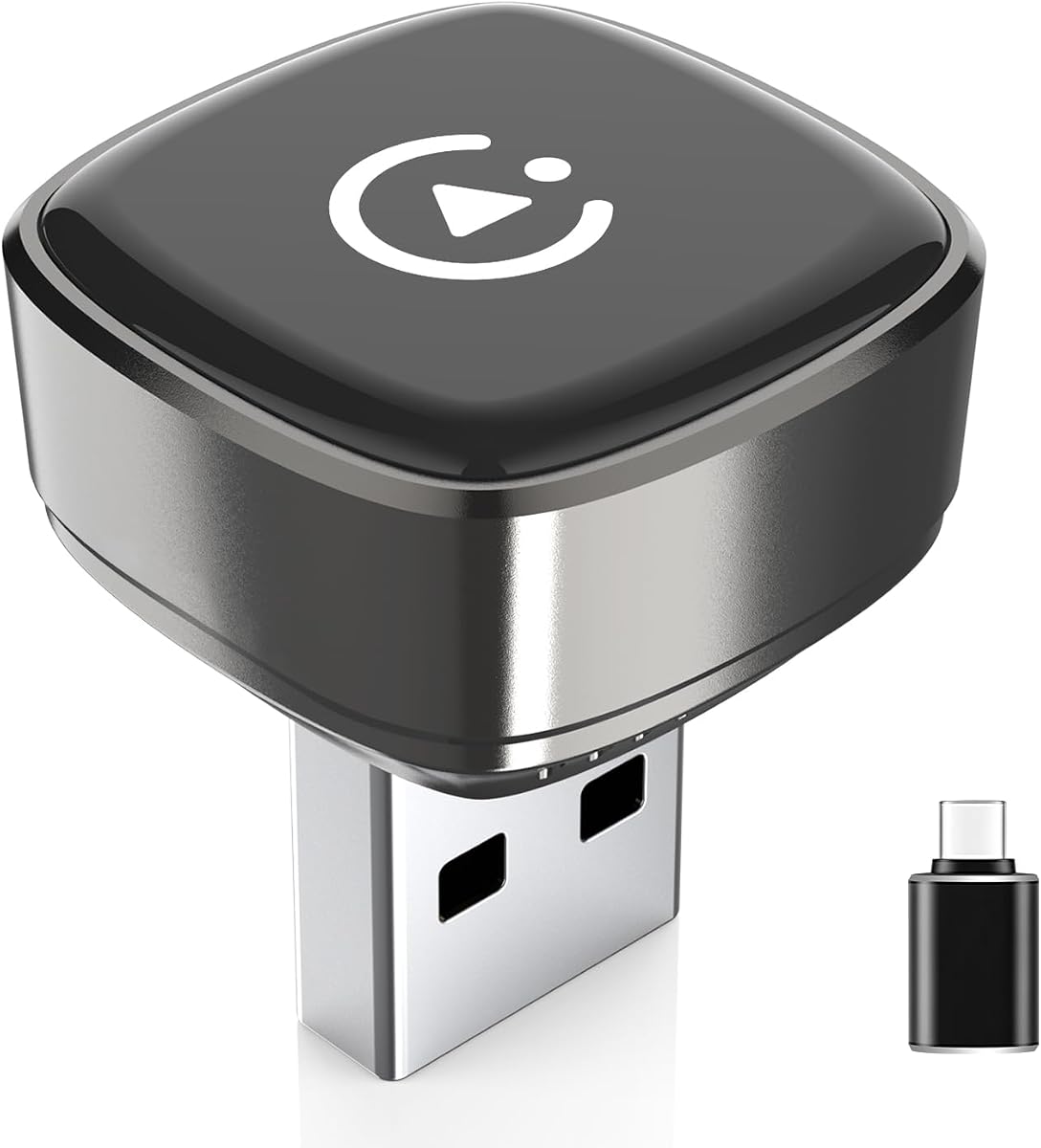
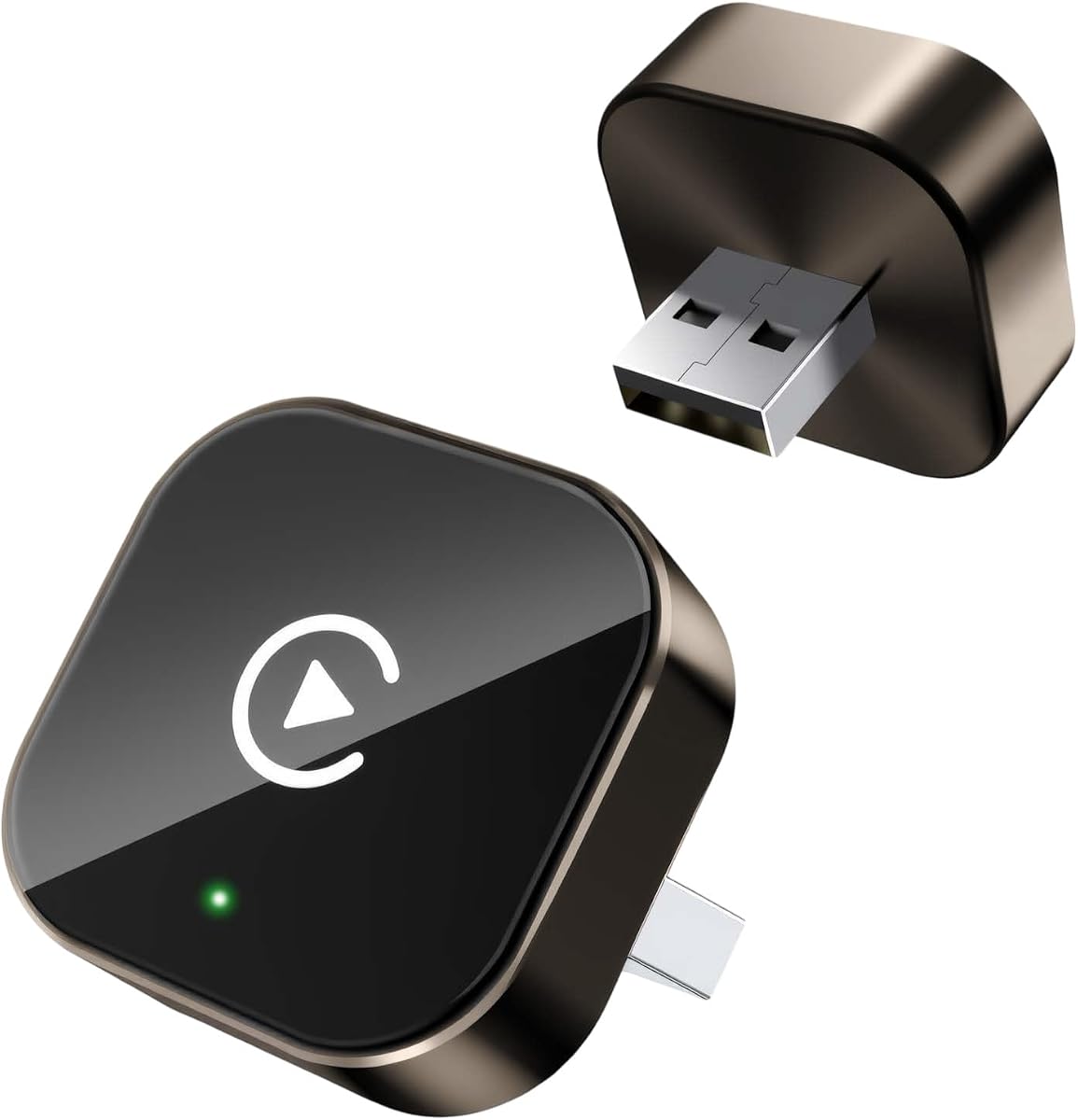


The Jemluse adapter stands out with its 7A microchip technology and multi-user seamless connection. It rates highly for reliability and speed in wireless CarPlay conversion.
We may earn a commission when you buy through this link, at no additional cost to you.
Its 5.8 GHz WiFi and 5.3 Bluetooth ensure fast transmission. The aluminum alloy design enhances durability and heat management for long drives.
While it costs more than budget options, the performance justifies it. Users appreciate the consistent connection and lack of lag during navigation.
This adapter is ideal for drivers wanting premium stability. It delivers a refined experience that balances speed with build quality effectively.
The 7A chip provides better heat resistance and performance stability than standard plastic adapters.
Constructed with premium aluminum alloy to withstand over 50,000 connection tests without failure.
We may earn a commission when you buy through this link, at no additional cost to you.
The Burnt Sugar adapter focuses on minimalism and speed. It features a tiny design that hides easily in your vehicle port.
We may earn a commission when you buy through this link, at no additional cost to you.
Its 2026 chipset supports low-latency GPS and audio streaming. The auto-reconnect feature saves time every morning when you start your car.
However, users note it is not suitable for Tesla vehicles. This limitation makes it a great choice for other brands but excludes Tesla owners.
Ideal for compact car interiors, this adapter prioritizes design and function. It offers a clean look with strong signal stability.
Ultra-mini design ensures the adapter blends seamlessly into your car's USB port.
The new chipset improves stability for GPS and media applications during daily commutes.
We may earn a commission when you buy through this link, at no additional cost to you.
This 2026 upgraded adapter offers exceptional value for money. It delivers reliable wireless CarPlay functionality without a high price tag.
We may earn a commission when you buy through this link, at no additional cost to you.
Equipped with dual-chip technology, it ensures efficient transmission. The compact design prevents clutter while providing stable connection performance.
While materials are basic compared to premium options, the performance remains solid for most users. It supports most factory wired CarPlay systems.
It is the best choice for budget-conscious buyers. You get essential features without unnecessary extras or premium costs.
Delivers high-rated reliability at a lower price point than many competitors.
Uses 2.4 and 5.8 GHz Wi-Fi for consistent wireless connectivity.
We may earn a commission when you buy through this link, at no additional cost to you.
This adapter simplifies the connection process significantly. It features a small grey box that stays hidden once installed.
We may earn a commission when you buy through this link, at no additional cost to you.
Automatic reconnection means you never have to pair manually. It works well with most vehicles that have factory wired CarPlay.
Some users report incompatibility with BMW models. Always check your specific car model before purchasing to avoid issues.
It is perfect for those seeking simplicity. Just plug it in and forget about cables for good.
The mini size allows the adapter to be easily hidden or mounted discreetly.
Connects automatically every time you start your car without manual intervention.
We may earn a commission when you buy through this link, at no additional cost to you.
This adapter focuses on durability with its metal casing. It is built to handle bumpy roads and temperature changes reliably.
We may earn a commission when you buy through this link, at no additional cost to you.
It offers free lifetime firmware updates to ensure long-term performance. FCC certification adds peace of mind regarding safety standards.
However, user ratings suggest some connectivity issues. It may not be as seamless as higher-rated competitors.
Choose this if you prioritize longevity. The metal build ensures it lasts longer than plastic alternatives.
High-quality metal casing and acrylic glass provide scratch resistance and durability.
Manufacturer provides free firmware updates to fix bugs and improve performance.
We may earn a commission when you buy through this link, at no additional cost to you.
This ebony black adapter offers strong performance metrics. It uses Bluetooth 5.4 and dual-band WiFi for stability.
We may earn a commission when you buy through this link, at no additional cost to you.
The upgraded chipset ensures original vehicle controls remain responsive. It connects quickly so you can focus on driving.
While it lacks Tesla compatibility, it excels in other brands. The included USB-C dongle adds flexibility for modern cars.
It is a solid choice for support seekers. Lifetime technical help ensures you are never alone if issues arise.
Newer Bluetooth version delivers better power efficiency and connection stability.
Manufacturer offers ongoing technical help to resolve any setup or usage issues.
We may earn a commission when you buy through this link, at no additional cost to you.
This AI Box transforms your car screen into a theater. It comes pre-loaded with apps like Netflix and YouTube for passengers.
We may earn a commission when you buy through this link, at no additional cost to you.
The premium aluminum build handles heat well during streaming. OTA updates keep the device current with new app versions.
While expensive, it offers features no other adapter has. Note that it is not compatible with Tesla vehicles.
Ideal for road trips, this box adds entertainment value. It justifies its cost for frequent travelers.
Built-in apps allow streaming directly on your car display without phone dependency.
USB drive and TF card support let you store offline media locally.
We may earn a commission when you buy through this link, at no additional cost to you.
This adapter supports both CarPlay and Android Auto seamlessly. It is perfect for families using different phone types.
We may earn a commission when you buy through this link, at no additional cost to you.
Its design is ultra-compact and fits flush with USB ports. It includes both USB-A and USB-C extension cables.
Though not for Tesla, it works for many others. Heat vents help keep performance stable during summer drives.
It offers the best balance of versatility. You do not need separate devices for different phones.
Effortlessly switches between iPhone and Android without unplugging cables.
Includes both USB-A and USB-C cables for flexible port compatibility.
We may earn a commission when you buy through this link, at no additional cost to you.
This adapter is ultra-mini to fit snugly into ports. It blends seamlessly with the car interior for a clean look.
We may earn a commission when you buy through this link, at no additional cost to you.
It connects in just 5 to 10 seconds initially. Vibration testing ensures it stays connected on bumpy roads.
While it has a 1-year warranty, performance is strong. The USB-C cable included adds extra convenience for users.
It is great for minimalists seeking speed. The design prevents cable clutter effectively.
Reconnects automatically in 3 seconds for immediate use upon entering the car.
Over 700 hours of vibration testing ensure reliable performance on rough roads.
We may earn a commission when you buy through this link, at no additional cost to you.
This adapter converts both CarPlay and Android Auto to wireless. It supports 800+ vehicle models for broad usability.
We may earn a commission when you buy through this link, at no additional cost to you.
It features a 2026 upgraded chipset for better stability. Auto-reconnect works instantly after plugging into the USB port.
While not for Tesla, it covers many other brands well. The dual USB cables ensure it fits almost any port.
It is the most versatile choice for mixed households. Both users get wireless freedom with one device.
Supports 800+ vehicle models from 2016 and later with factory wired systems.
Latest firmware version ensures better performance and security updates.
We may earn a commission when you buy through this link, at no additional cost to you.
Choosing the right adapter requires considering multiple factors beyond basic price.
Ensure the adapter supports your specific car model and OS. Some brands exclude Tesla or BMW vehicles entirely.
Always check the manufacturer's compatibility list before buying.
Look for adapters with 5.8 GHz WiFi and Bluetooth 5.3 or higher. Faster chips reduce latency significantly.
Prioritize 5 GHz bands for smoother video streaming.
Aluminum alloy housing handles heat better than plastic. This ensures longevity during summer drives.
Metal builds also provide better vibration resistance.
Lifetime technical support can save you from frustration. Check for firmware update policies too.
Reliable brands often offer 1-year or longer warranties.
If multiple people use the car, multi-user support is crucial. It avoids re-pairing every time.
This feature is rare but very useful.
Compact designs fit flush in ports. Avoid large boxes that might obstruct other ports.
Small dongles reduce clutter effectively.
Regular OTA updates keep features fresh. Look for models with active development.
Older firmware can lead to connection issues.
Budget options work fine but may lack premium features. Balance cost with durability needs.
Expensive models often have better heat management.
Start by plugging the adapter into your car's USB port securely. Ensure it fits snugly to prevent shaking.
Pair your phone via Bluetooth on first use. After pairing, it will auto-connect whenever you start the car.
Clean the adapter with a dry cloth to avoid dust buildup. Avoid using harsh chemicals on the metal housing.
Most adapters in this list explicitly state they do not support Tesla vehicles. Always check the compatibility notes before buying to avoid incompatibility issues.
No, most adapters work without apps. They connect directly via Bluetooth and WiFi once paired initially.
Drops usually occur due to heat or poor WiFi signals. Try moving the adapter to a cooler USB port.
Yes, reliable ones are built with heat-resistant materials. Look for aluminum builds to ensure safety during trips.
Only some models support multi-user. Check product specs for this feature before purchasing if you share the car.
Use the manufacturer's website or app if available. OTA updates are common on premium models.
The Jemluse and AI Box models offer the best balance for most users. Both deliver strong stability and build quality.
Prioritize heat management and WiFi speed for smooth streaming. Avoid cheap plastic units that overheat easily.
Check current pricing as costs change often. Always confirm vehicle compatibility before making your final purchase.