
UJ8C2 UJ8E2 UJ8G2
5.0Editor score
9.5mm slim
USB cable included
1-year warranty
Explore the top 10 internal DVD drives for laptops compared by speed, compatibility, and durability to help you choose the right optical drive replacement.
Finding a reliable internal DVD drive for laptop systems remains crucial for many professionals who still rely on optical media for software installation or media playback in 2026.
We compared ten top-rated internal DVD drives based on build quality, read write speeds, and compatibility across major laptop brands to ensure seamless integration without extra drivers.
Each pick below highlights key strengths and trade-offs so you can match the drive to your chassis thickness while noting that market pricing may fluctuate after publication.
5.0Editor score

4.4Editor score

5.0Editor score
The table below summarizes the core specifications and capabilities of each internal DVD drive option to help you quickly identify the model that matches your laptop bay.



The Hitachi-LG GTC2N is a robust 12.7mm optical drive designed for laptops that support the standard slim profile. It holds a strong 4.4 star rating from users who appreciate its data reliability and quiet playback.
We may earn a commission when you buy through this link, at no additional cost to you.
Its standout feature is M-DISC support which allows you to burn data onto rock-like surfaces that promise up to a millennium of preservation. The Silent Play technology adjusts speed during media playback to minimize noise from disc spinning.
While it offers 8x write speed and full Super Multi compatibility across DVD and CD formats the 12.7mm thickness means it will not fit into modern 9.5mm or 7mm ultrabooks. You must confirm your chassis dimensions before ordering.
Choose this drive if you need a dependable replacement for older workstations or gaming laptops and value long-term archival capabilities. It delivers professional performance without unnecessary bloat.
The M-DISC technology stores data on a mineral-based surface that resists degradation from light and humidity better than traditional dye-based discs.
Silent Play automatically detects media type and slows spin rates during movie playback to keep noise levels minimal during presentations or quiet work.
We may earn a commission when you buy through this link, at no additional cost to you.
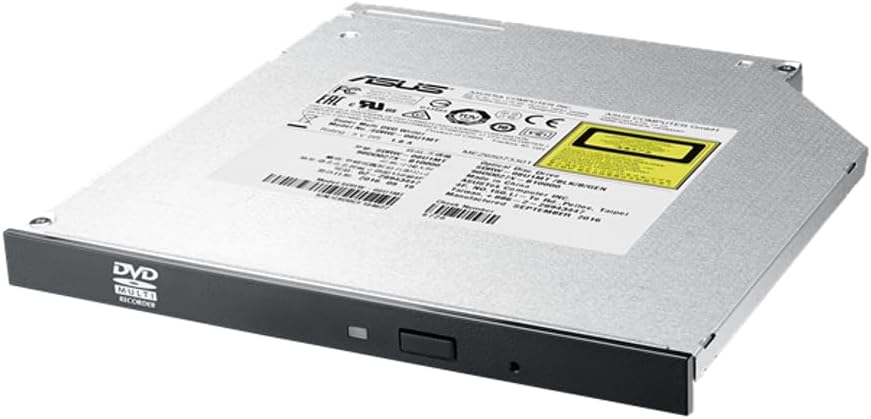
The ASUS SDRW-08U1MT is tailored for ultrabooks and thin laptops that require a 9.5mm optical bay. It combines archival-grade M-DISC capability with efficient power management features that appeal to business users.
We may earn a commission when you buy through this link, at no additional cost to you.
Its E-Green technology automatically closes the drive application when idle to save over fifty percent power. The E-Media feature ensures a quiet environment by regulating spin speeds during media access.
While it does not offer faster write speeds than competitors the focus on energy efficiency and data longevity makes it a smart choice for corporate fleets. The tray loading mechanism is reliable and easy to load.
Buy this if your laptop chassis supports 9.5mm drives and you prioritize low power consumption alongside reliable backups. It balances cost and function well.
The E-Green system helps reduce overall system power draw by intelligently managing drive activity during periods of inactivity.
Designed specifically for 9.5mm slots this drive allows older laptops to maintain optical media capabilities without adding bulk.
We may earn a commission when you buy through this link, at no additional cost to you.
The HP 16X DVD-ROM Drive stands out as a premium read-only optical solution for systems that primarily need to install software or play media. It holds a perfect 5.0 star rating from satisfied customers.
We may earn a commission when you buy through this link, at no additional cost to you.
With sixteen times standard speed reading data from discs happens significantly faster than on slower consumer models. This makes it ideal for IT departments needing rapid deployment of legacy software or large datasets.
The trade-off is the lack of writing capabilities which means you cannot back up data to discs with this unit. However for read-only tasks it delivers consistent performance and build quality.
Choose this if you need maximum read performance and do not require burning functions. It is a solid investment for specialized workloads.
Sixteen times DVD speed means software installs and media scans complete much quicker than on standard eight times drives.
Manufactured by HP as an OEM unit it follows strict quality standards for consistent performance in business environments.
We may earn a commission when you buy through this link, at no additional cost to you.
This HP DVD±RW Dual Layer drive leverages a high-quality Samsung SH-216 core to deliver reliable read and write performance in a refurbished package. It maintains a 4.7 star rating despite being pre-owned.
We may earn a commission when you buy through this link, at no additional cost to you.
The dual layer capability allows you to store nearly twice as much data on a single DVD compared to single-layer discs. This is essential for backing up large folders or video files without needing multiple discs.
While it comes as a reconditioned unit the core hardware is known for durability. Buyers should verify the return policy before purchasing to ensure peace of mind regarding longevity.
Select this if you need extra storage capacity per disc and want to keep costs low. It is a practical solution for home users.
Dual layer discs hold up to 8.5GB of data compared to 4.7GB on standard single-layer media doubling your backup capacity.
The Samsung SH-216 mechanism is widely recognized in the industry for stable performance and fewer read errors.
We may earn a commission when you buy through this link, at no additional cost to you.
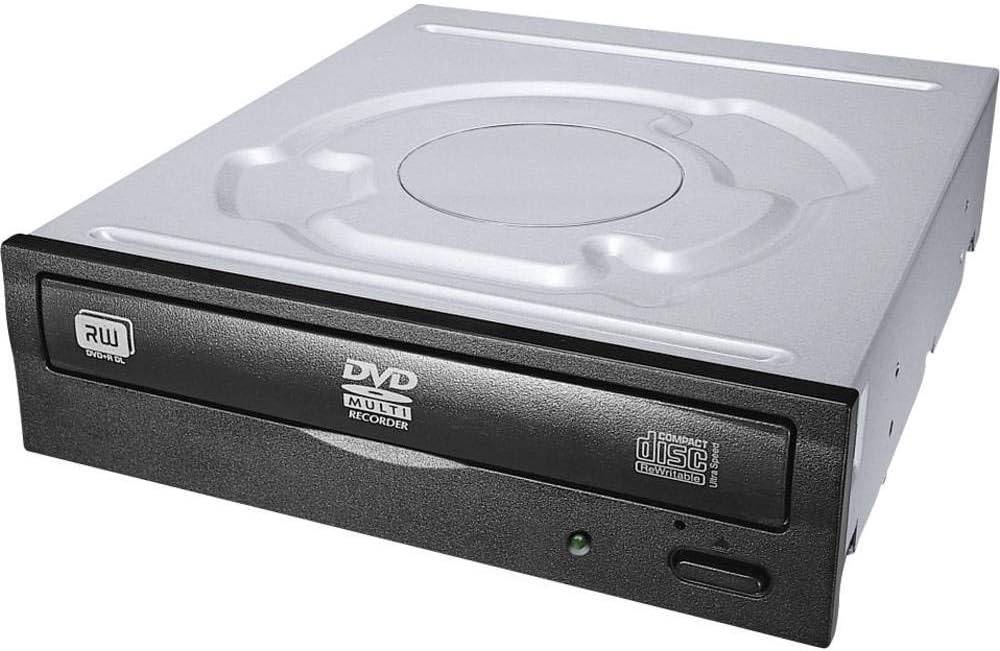
The Lite-On 24X SATA Internal Drive is engineered to handle CD burning and reading tasks at impressive speeds. It holds a 4.5 star rating and is a reliable choice for audio enthusiasts.
We may earn a commission when you buy through this link, at no additional cost to you.
With twenty-four times speed for CD reading and writing it excels at archiving audio tracks or small software packages. The SATA interface ensures fast data transfer between the drive and motherboard.
While it supports standard DVD formats the standout performance is with CD media. It is ideal for users who still maintain large CD libraries or require fast audio ripping.
Purchase this if CD speed is a priority for your workflow and you need a dependable OEM unit. It offers excellent value for specific media tasks.
Twenty-four times CD speed makes this drive much faster than average when ripping music or installing legacy software on CDs.
The manual tray mechanism is straightforward and easy to clean ensuring long life for frequent users.
We may earn a commission when you buy through this link, at no additional cost to you.
The LG DVD Rewriter Internal Slim delivers a near perfect user experience with a 5.0 star rating. It is built for laptops that demand quiet operation and energy efficiency.
We may earn a commission when you buy through this link, at no additional cost to you.
Silent Play technology reduces noise during disc spin which is critical for shared workspaces or video editing environments. It also includes M-DISC support for long-term data retention.
Its power saving and sleep modes help reduce battery consumption when the drive is not actively in use. This makes it a smart choice for mobile professionals.
Choose this if noise is a major concern and you want a feature-rich internal drive. It sets a high standard for user comfort.
Silent Play dynamically adjusts rotational speed to minimize vibration noise while maintaining smooth playback quality.
Built-in power saving modes help extend battery life on laptops by reducing drive activity during idle periods.
We may earn a commission when you buy through this link, at no additional cost to you.
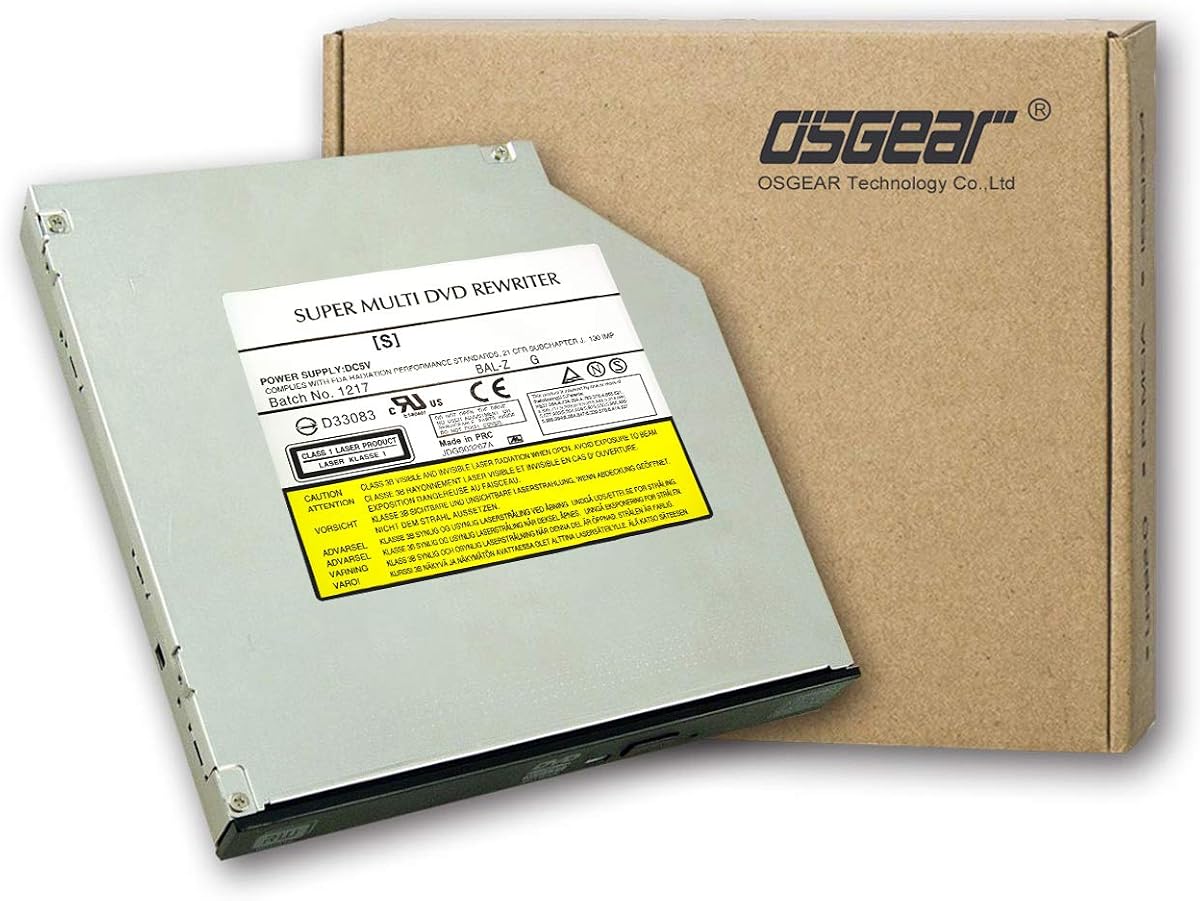
The OSGEAR Internal 9.5mm drive is designed as a universal replacement for many popular laptop brands. It carries a 4.1 star rating and offers broad compatibility across different manufacturers.
We may earn a commission when you buy through this link, at no additional cost to you.
It supports Windows and Mac OS and works with ASUS Acer HP and Lenovo models. The package includes technical support links for troubleshooting which adds value for DIY installers.
While it matches standard read write speeds for most tasks it is an excellent alternative for systems where OEM parts are hard to find. The tray loading design is standard and robust.
Buy this if you need a cost-effective solution for a standard laptop chassis and want access to technical help. It bridges the gap for older laptops.
Engineered to fit most 9.5mm SATA bays this drive works across multiple major laptop brands for easy upgrades.
OSGEAR provides blog resources and support contacts to assist with installation and software configuration if needed.
We may earn a commission when you buy through this link, at no additional cost to you.
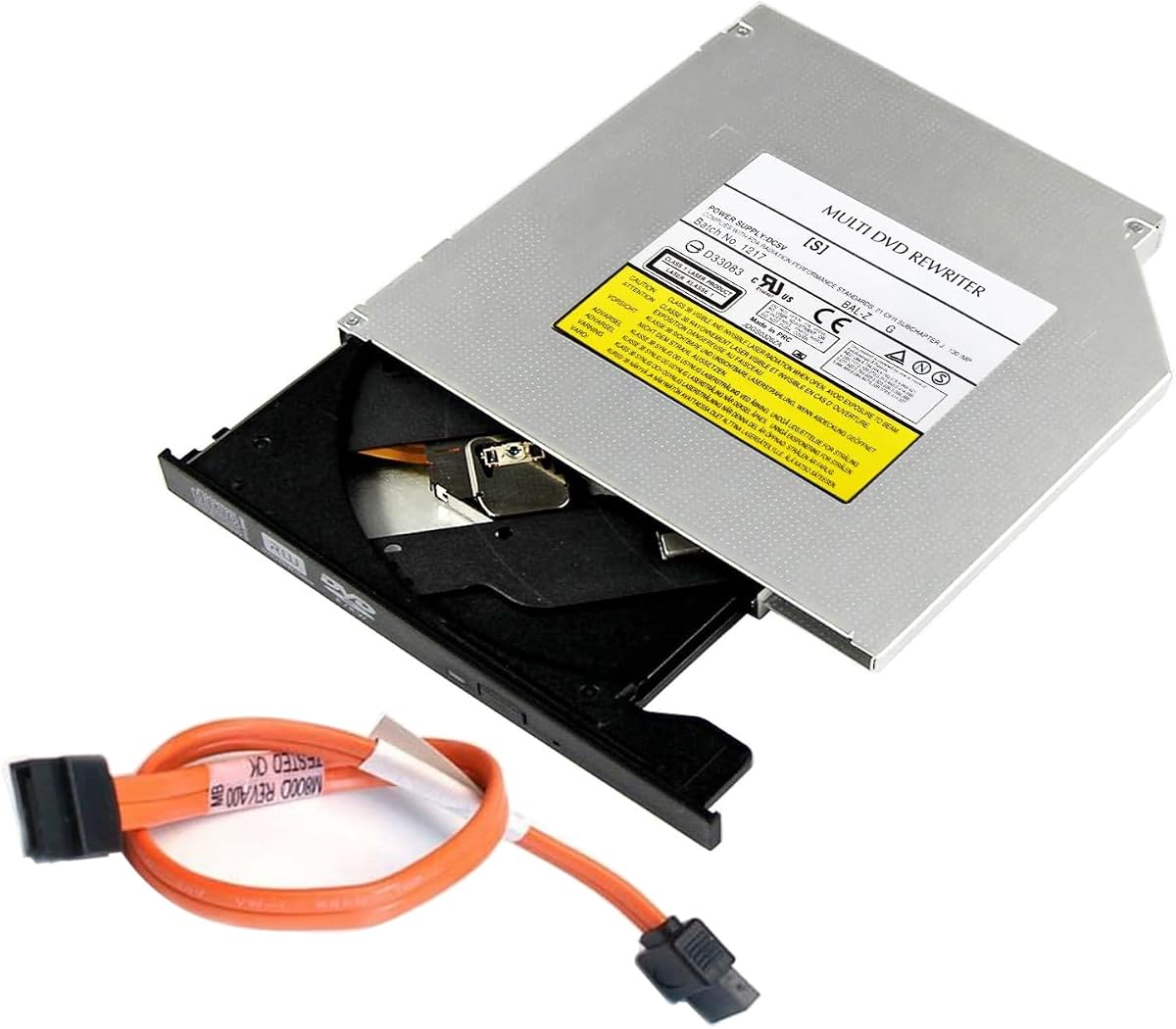
This UJ8C2 series drive offers an economical path to restoring optical capabilities in laptops. It holds a 5.0 star rating and includes necessary accessories to start working immediately.
We may earn a commission when you buy through this link, at no additional cost to you.
The package includes a data cable which simplifies the replacement process for users who do not have spare parts. It supports slot-in loading which is convenient for thin chassis designs.
While it is a budget model it provides reliable read and write performance for standard media. The one-year after-sales service adds security for the purchase.
Choose this if you need a functional drive at the lowest possible price point. It is a pragmatic solution for budget-conscious buyers.
The included SATA cable removes the need to source additional parts and speeds up the installation process significantly.
A one-year service promise provides a safety net for buyers who may encounter installation issues or hardware faults.
We may earn a commission when you buy through this link, at no additional cost to you.
The TechMagnet Internal 7mm Slim drive is specifically made for laptops that only accept the thinnest optical bay profile. It carries a 3.8 star rating and offers essential M-DISC support.
We may earn a commission when you buy through this link, at no additional cost to you.
At just seven millimeters thick it fits into compact desktops and ultrabooks that reject larger drives. It supports a wide range of CD and DVD formats for versatile media handling.
Since it is sold as renewed users should expect minor cosmetic wear. However the performance remains functional for daily tasks and backups.
Select this if you have a tight chassis that requires a 7mm drive and want to save money. It is a niche option for very thin laptops.
The seven millimeter thickness is critical for modern thin laptops that cannot accommodate the standard 9.5mm drive.
Even as a budget renewed unit it retains the ability to burn M-DISC media for long-term storage needs.
We may earn a commission when you buy through this link, at no additional cost to you.
The GUD1N Optical Drive provides a balanced feature set for standard 9.5mm laptop chassis. It holds a 4.2 star rating and comes with a data cable for easy installation.
We may earn a commission when you buy through this link, at no additional cost to you.
It supports both DVD and CD formats and includes M-DISC compatibility for long-term storage. The tray loading design ensures smooth operation and easy access to the disc slot.
While it does not offer unique advanced features it covers all common needs for reading and burning media. It is a safe choice for general purpose use.
Buy this if you need a reliable replacement without extra frills. It offers solid functionality for everyday computing tasks.
The included data cable means you do not need to buy separate connectors making the replacement process simpler.
Support for DVD-RAM and other niche formats makes this drive versatile for legacy media recovery.
We may earn a commission when you buy through this link, at no additional cost to you.
Selecting the right internal DVD drive requires matching physical dimensions and interface types to your specific laptop model to ensure compatibility.
Laptop optical bays typically come in two standard thicknesses: 9.5mm and 12.7mm. Some newer ultra thin models even use a 7mm profile. You must measure your current drive before purchasing to avoid physical fit issues.
Always verify your laptop chassis specifications to confirm the correct thickness before placing an order for an internal drive.
Most modern laptops use a SATA interface for optical drives. Older models might use IDE or other proprietary connectors. Ensure the drive matches your motherboard connection type.
SATA is the standard for most systems released after 2010 so check your laptop documentation for confirmation.
Drives are available as ROM (read only) or RW (read write). If you need to burn discs for backups or software installation ensure you buy a RW model.
ROM drives are cheaper but cannot write data so they are suitable only for media playback and software installation.
M-DISC technology allows you to burn data onto a rock-like surface that resists degradation over time. This is ideal for long-term archival storage of important documents.
Check product details to see if the drive supports M-DISC before buying if you plan to store sensitive data.
Tray loading requires you to manually pull out a tray to insert a disc while slot-in loading accepts discs directly into the slot. Both are reliable but tray loading is easier to handle.
Choose the load type that fits your workflow and chassis design to ensure smooth daily use.
Some drives include Silent Play technology to reduce noise during disc spin. This is important for quiet work environments or shared spaces.
Look for mentions of noise reduction features if you are sensitive to drive vibrations during media playback.
OEM drives from brands like LG HP and ASUS are generally more reliable than generic replacements. They often come with better quality control and support.
When buying refurbished units prioritize sellers with good return policies to protect against potential hardware defects.
Most internal DVD drives are plug and play for Windows 10 and 11. However Mac and Linux users should check compatibility details before purchase.
Confirm that the driver support matches your operating system to avoid installation headaches after the drive arrives.
Always eject discs properly using software commands or the eject button before removing the laptop to prevent data corruption or physical damage.
Keep the lens clean by using a dedicated lens cleaning disc if you notice skipping or read errors during playback.
Avoid storing discs in direct sunlight or high humidity as extreme conditions can damage the media and the drive components over time.
No you can only install an internal DVD drive if your laptop has an available optical bay. Check if your chassis has a bay and matches the drive thickness and interface type.
Most modern systems recognize internal DVD drives automatically without manual drivers. Just plug and play the hardware and the operating system will install basic functions.
The main difference is physical thickness. 9.5mm drives fit ultrabooks and thin laptops while 12.7mm drives fit older bulkier chassis. Ensure you match the measurement exactly.
Yes all drives labeled as RW or burner support writing to CD-R and DVD-R discs. ROM drives can only read discs and cannot burn data to them.
Yes you need to purchase M-DISC branded discs to take advantage of the long-term storage features. Regular discs will still work but will not offer the same lifespan.
If your laptop has no bay you must use an external USB DVD drive instead. Internal replacements are not possible without modifying the chassis significantly.
The Hitachi-LG GTC2N offers the best balance of performance and reliability for users with standard chassis while the UJ8C2 provides an excellent budget option.
Prioritize the thickness and interface match first to ensure compatibility before considering secondary features like M-DISC support or noise levels.
Prices may change so review current listings on Amazon before finalizing your purchase to secure the best deal available today.