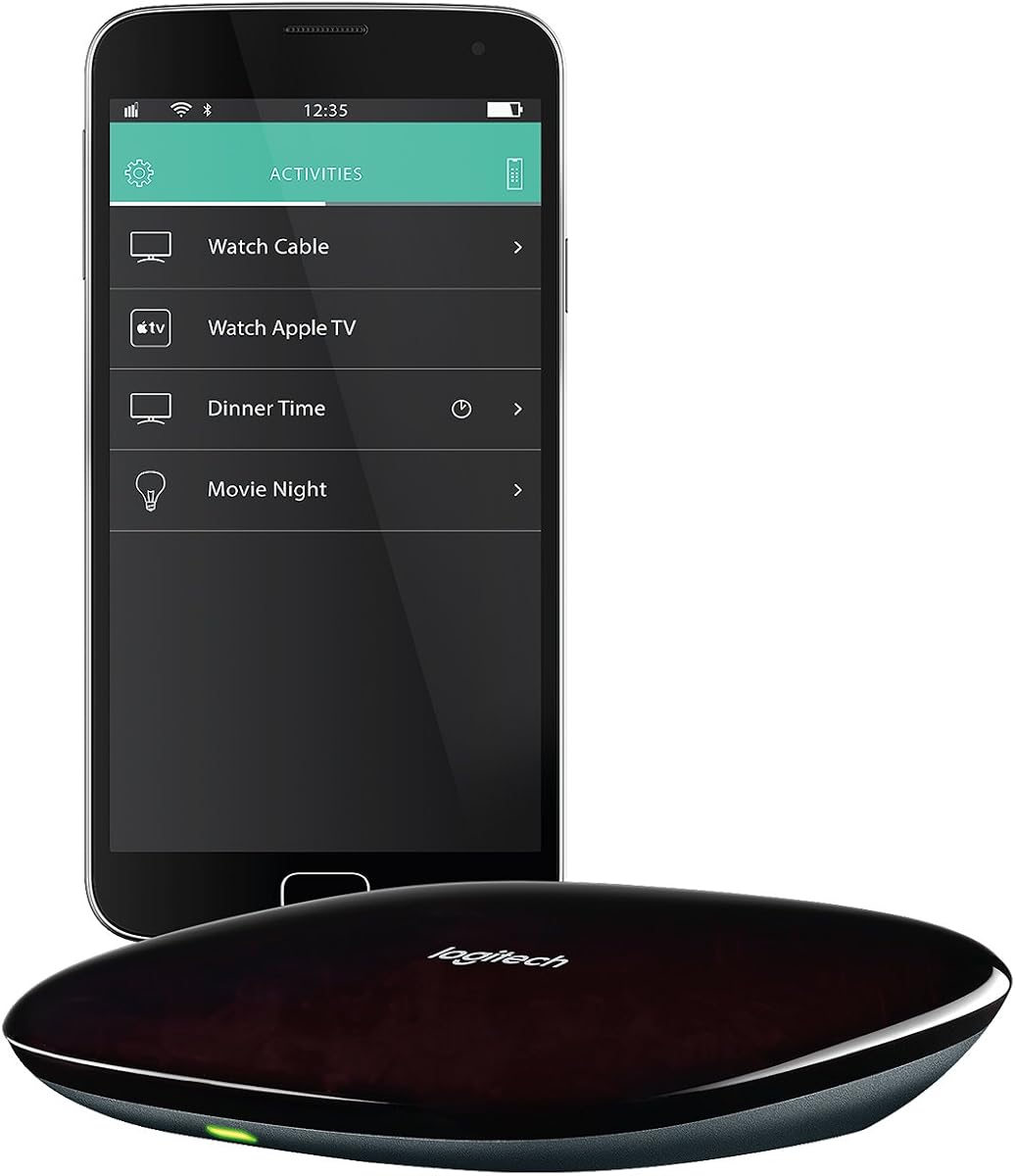
Logitech Harmony Hub
3.9Editor score
Controls eight entertainment devices
Compatible with mobile app
Streamlined setup process
This comprehensive guide compares the top Logitech Harmony Home Hub models available in October 2026 to help you choose the best universal control solution for
Finding the right universal remote system can transform how you interact with your entertainment center. A reliable hub allows you to manage multiple devices seamlessly through a single interface or mobile application. This ensures convenience and reduces the clutter of scattered remote controls on your coffee table.
We evaluated ten distinct models based on their compatibility, connectivity options, and overall user experience. Our analysis focuses on device count support, app functionality, and integration with smart home ecosystems. Each product offers unique strengths tailored to different household needs and technical requirements.
Every selection below highlights specific capabilities such as touchscreen interfaces or voice command support. Note that availability and pricing may fluctuate due to market conditions and retailer inventory. We recommend verifying current stock levels and deals before making your final purchasing decision for your home setup.
3.9Editor score

3.7Editor score

3.8Editor score
The following table provides a side by side comparison of all ten models included in this guide. We highlight key specifications and capabilities to help you quickly identify the model that fits your specific device ecosystem and control preferences.


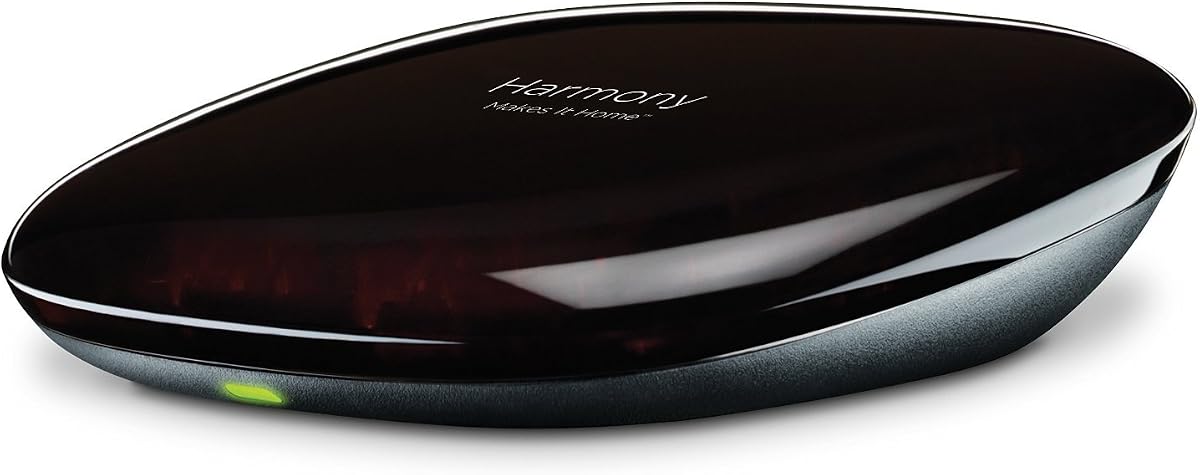


The Logitech Harmony Hub serves as an affordable entry point into universal home control systems. With a rating of 3.9 stars, it offers a straightforward way to manage up to eight entertainment devices. This model focuses on essential connectivity through the Harmony smartphone app.
We may earn a commission when you buy through this link, at no additional cost to you.
Its primary strength lies in its ability to consolidate commands from multiple remotes into one app interface. Users can control TVs, streaming boxes, and other infrared devices through Wi-Fi. The hub acts as a bridge allowing your phone to send signals to your entertainment gear.
The main trade-off is that this model has been discontinued by the manufacturer. While available through third-party sellers, finding replacements or support may become challenging over time. The eight device limit also restricts scalability for larger smart home setups.
This hub is ideal for renters or small households needing basic centralized control without extra cost. If you prioritize simplicity and app-based operation over advanced features, this remains a viable option. We recommend checking current stock availability before purchasing.
The Harmony app turns your smartphone into a remote allowing easy navigation of channels and volume controls.
Supporting eight devices covers most standard living room setups including TV cable box and sound system.
We may earn a commission when you buy through this link, at no additional cost to you.
The Logitech Harmony Elite stands out as a top tier option for comprehensive home control. It combines a remote hub and app into one solution supporting up to fifteen devices. The full color touchscreen allows for intuitive navigation through channels and settings.
We may earn a commission when you buy through this link, at no additional cost to you.
Key features include One Touch Activities that automate tasks like watching a movie. This powers on devices and adjusts settings with a single tap. Integration with Alexa enables voice control for hands free operation across your entertainment system.
The primary drawbacks are the higher cost and the complexity of initial configuration. Setting up custom activities and device codes requires time and attention to detail. However the once configured the convenience of a unified interface outweighs these initial efforts.
Buyers seeking a powerful all in one remote for extensive smart home needs will appreciate this model. It bridges the gap between simple remotes and complex automation systems effectively. We consider it a strong choice for tech enthusiasts.
Swipe and tap gestures on the full color display make selecting favorite channels and settings effortless.
Compatible with Amazon Alexa for convenient voice commands to manage entertainment and connected devices.
We may earn a commission when you buy through this link, at no additional cost to you.
This model offers a blend of physical and digital control options for your home setup. The included smartphone app supports swipe and tap actions for managing up to eight devices. It also provides a simple physical remote for quick access without unlocking a phone.
We may earn a commission when you buy through this link, at no additional cost to you.
The hub allows control of devices hidden behind cabinet doors using Wi-Fi connectivity. This ensures your gaming consoles and streaming boxes remain accessible even when not in the line of sight. It supports a wide range of brands including major streaming services.
While effective the device limit of eight may constrain expanding setups. The interface design is functional but less modern compared to newer Elite models. However it remains robust for standard living room configurations needing both app and remote control.
Users who prefer having both a handheld remote and app control will find this balanced. The removable battery adds convenience for extended use away from charging stations. It is a reliable choice for mid range needs.
Combines smartphone app convenience with a physical remote for flexible operation options.
Hub lets you control devices behind walls or cabinets using wireless connectivity.
We may earn a commission when you buy through this link, at no additional cost to you.
The Harmony Ultimate Hub focuses on enabling control of devices stored out of sight. It works with a mobile app to manage up to eight devices including streaming media players. This is particularly useful for installations where devices are hidden in closed cabinets.
We may earn a commission when you buy through this link, at no additional cost to you.
Users can access Internet services like Netflix and YouTube directly through the app interface. The hub bridges the gap between your smartphone and entertainment equipment seamlessly. It simplifies the process of finding content across different platforms and boxes.
A minor limitation is the reliance on an IR mini blaster for hidden devices. This component may need separate purchase or careful placement for optimal signal. The eight device limit remains standard for this class of hub systems.
Homeowners looking to organize entertainment centers without sacrificing functionality will value this setup. It keeps the coffee table clear while maintaining full access to your content. We recommend it for those with closed cabinet installations.
The hub enables control of devices stored behind cabinet doors using wireless signals.
Direct access to Netflix and YouTube enhances convenience for streaming media usage.
We may earn a commission when you buy through this link, at no additional cost to you.
This renewed model provides an affordable way to access Harmony ecosystem features. It supports control of eight devices and integrates with Alexa for voice commands. Customized activities allow you to automate routines like date night with a single tap.
We may earn a commission when you buy through this link, at no additional cost to you.
The app allows easy management of channels and smart home devices like Philips Hue. It brings together multiple remotes and apps into one easy to use interface. Closed cabinet control is included to handle hidden components effectively.
Buying a renewed unit carries some risk regarding longevity and condition. While rated well by users you should inspect the item upon arrival for quality. The cost savings can be significant compared to brand new units.
Budget conscious buyers can gain substantial functionality with this refurbished option. It maintains core features while offering a lower price point for standard setups. We suggest checking seller ratings before purchasing refurbished electronics.
Renewed condition offers significant savings while retaining core Harmony hub capabilities.
Create customized activities to automate entertainment and lighting settings effortlessly.
We may earn a commission when you buy through this link, at no additional cost to you.
This model brings touchscreen convenience to the Harmony ecosystem at a reduced price. As a renewed unit it offers the full functionality of the Ultimate Home remote in black. It supports universal control across a wide range of entertainment systems.
We may earn a commission when you buy through this link, at no additional cost to you.
The touch screen allows intuitive navigation through channels and settings similar to modern smartphones. It replaces multiple remotes with one versatile device. This simplifies the experience for users who prefer tapping over pressing buttons.
Potential buyers should be aware of variable battery life with refurbished units. Ensuring the device holds a charge well is critical for long term satisfaction. Checking return policies can mitigate these risks effectively.
If you want a premium feel without the new price tag this is a strong contender. It maintains the core benefits of the Harmony system with added tactile feedback. We recommend it for those comfortable with refurbished goods.
Swipe and tap on a full screen interface for intuitive device management.
Compatible with a vast array of devices ensuring broad entertainment control.
We may earn a commission when you buy through this link, at no additional cost to you.
This renewed Elite model offers high-end features for a lower investment. It supports up to fifteen devices and includes voice control via Alexa. The full color touchscreen provides a modern and responsive user experience for media selection.
We may earn a commission when you buy through this link, at no additional cost to you.
Activities simplify complex commands by automating device power states and inputs. This is ideal for managing a full entertainment suite including lights and sound systems. The app turns your phone into a remote too for backup control.
Battery health is a concern with any refurbished unit. You may need to replace the battery soon after purchase to maintain performance. However the functionality and build quality often match new units upon arrival.
Buyers seeking advanced features like voice control and extensive device support will benefit. It balances cost with capability for those wanting the top tier experience. We suggest verifying warranty terms before buying.
Compatible with Amazon Alexa for convenient voice control of your devices.
One touch activities automate multiple steps to simplify daily entertainment tasks.
We may earn a commission when you buy through this link, at no additional cost to you.
This kit includes the hub remote and app components for a complete setup. It supports home entertainment control with robust connectivity options. The renewed condition offers a financial advantage while retaining most core features.
We may earn a commission when you buy through this link, at no additional cost to you.
Users can manage devices via physical remote or mobile app depending on preference. The hub handles signals for hidden devices while the remote offers immediate access. It covers a wide range of brands and streaming services.
As with all renewed products inspection upon arrival is essential. Accessories like charging stands may show wear even if the main unit is functional. Ensuring all parts are present and working is key to satisfaction.
Homeowners wanting a full universal system without paying new prices should consider this. It provides the best of the Harmony ecosystem in one box. We recommend reading seller details carefully for condition notes.
Includes hub remote and app for a complete control solution in one package.
Choose between physical remote or smartphone app to manage your devices.
We may earn a commission when you buy through this link, at no additional cost to you.
This listing focuses on the remote control aspect of the Elite system. It offers a full color touchscreen and support for fifteen devices. As a renewed product it maintains the high functionality expected from the Elite line.
We may earn a commission when you buy through this link, at no additional cost to you.
Activities allow automated tasks like powering on your TV and sound system together. The touchscreen provides smooth navigation through channel favorites and settings. It is a powerful tool for managing complex entertainment needs.
Since it is primarily a remote check if you already have a hub. If not you may need a separate hub for full home integration. Battery performance should be tested to ensure consistent operation.
Buyers with existing hubs can upgrade their interface easily with this option. It adds touch control and advanced features to your current setup. We recommend it for those needing a replacement remote specifically.
Swipe and tap on the color screen to control channels and settings easily.
One touch activities automate complex commands for simpler daily use.
We may earn a commission when you buy through this link, at no additional cost to you.
The Harmony 1100 represents an older generation of Harmony universal remotes. It features RF wireless capability allowing it to control devices behind closed doors. The large 3.5 inch color screen offers robust viewing and navigation options.
We may earn a commission when you buy through this link, at no additional cost to you.
It supports thousands of brands and devices with customizable commands and icons. This level of customization was a hallmark of the 1100 series. Users could tailor screens to match their specific workflow and preferences.
Finding this model may be harder than newer versions like the Elite. The charging stand is included but battery technology might be less advanced than current standards. It serves well for those needing RF specifically.
Those needing RF control for hidden devices without Wi-Fi hubs may prefer this legacy model. It offers extensive customization that newer units simplify. We suggest checking compatibility with your current ecosystem.
RF capability allows control of devices hidden behind cabinet doors or walls.
Customize commands and screens to fit your unique entertainment setup perfectly.
We may earn a commission when you buy through this link, at no additional cost to you.
Selecting the right Harmony hub requires considering several factors that impact functionality and usability. We have identified key criteria to help you evaluate models effectively for your home setup.
Most hubs support between eight and fifteen devices which dictates how many components you can control from one interface. If you have extensive setups including lights and locks ensure the chosen model supports all your targets.
Check the maximum device count carefully to avoid exceeding limits during setup.
Wi-Fi and IR connectivity determine how the hub communicates with your entertainment gear. Some models offer RF capabilities for devices behind cabinets which adds significant convenience.
Confirm your devices support the required signals before purchasing a hub.
The Harmony app is central to control allowing navigation and custom activities. Look for models with active app support to ensure longevity and features like voice control.
Prioritize hubs that pair well with current iOS or Android updates.
Modern hubs integrate with Alexa for hands free operation which simplifies daily use. This feature is often found in higher end models like the Elite.
Choose a voice compatible hub if you want convenient command control.
Physical remotes vary in size and touch capabilities which affects portability and usability. Some users prefer a dedicated remote over just a smartphone app interface.
Consider if you need a physical device for quick access without unlocking a phone.
Prices range from entry level to premium options with renewed units offering savings. Check warranty details and seller ratings when buying refurbished electronics for peace of mind.
Balance your budget with the features you need most for your setup.
Ensure the hub works with your specific TV streaming box and other brands. Most models support over two hundred thousand devices but checking your specific brand is wise.
Verify compatibility lists during setup to avoid frustration with unresponsive gear.
One touch activities allow you to automate routines like watching a movie with a single tap. This feature reduces complexity by controlling multiple devices in sequence.
Select a model with robust automation options to streamline your entertainment experience.
To begin setup connect the hub to your Wi-Fi network and download the Harmony app on your mobile device. Follow the on screen instructions to add each entertainment device by selecting its type and brand from the list.
Customize your activities by naming them and selecting the steps involved such as power on and input change. This allows you to trigger complex sequences with a single tap from the app or remote.
Maintain your hub by keeping it clean and away from dust or moisture to ensure signal quality. Charge batteries regularly and replace them when performance drops to maintain uninterrupted control of your devices.
Yes many models support closed cabinet control using IR or RF signals through the hub or mini blaster. This allows you to manage components stored behind doors without removing them.
The Harmony app remains functional for most legacy hubs though support timelines may vary. It is advisable to check the latest app store information for current compatibility and features.
Typical models support between eight and fifteen devices depending on the specific tier and model. Higher end options like the Elite allow for more extensive integration including smart home items.
Yes many models integrate with Amazon Alexa for voice control commands. This lets you manage entertainment devices using spoken instructions through compatible smart speakers.
IR requires line of sight while RF works through walls and cabinets for hidden components. Some hubs offer RF capabilities to improve reliability in complex room layouts.
Yes the Harmony app allows your phone to function as a full remote for control. This provides flexibility and reduces the need for physical remote devices in every room.
We found that models like the Harmony Elite and Smart Control offer strong balance of features and usability for most users. Budget conscious buyers can consider the basic Hub or renewed options to save money.
When choosing prioritize device capacity and app integration to ensure your system meets long term needs. Voice control and activity automation add significant convenience for daily entertainment routines.
Always verify availability and terms since market conditions change frequently. Checking current product listings will ensure you get the best value for your specific home setup needs.